A customer fills out your website form. Someone adds their details to the customer list, schedules the appointment and later enters the same information into an invoice. Those repeated steps are a good reason for a small business to consider automation. Software can move predictable information between records, leaving the team to decide what to quote, when to make an exception and how to respond to the customer. The more often a step repeats, the more useful that connection may be.
Look for information being entered twice
Follow a typical request through the office. Where is the customer's name first recorded? Who adds the appointment to the calendar? Does the person creating the invoice have to retrieve the address, service and price from somewhere else? One employee may manage this well, but a shared process becomes more useful as the number of requests and people involved grows.
Automation can handle a handoff only when there is a clear rule. A new inquiry can create a record and notify the right person. A completed job can move to a ready-to-invoice list. An invoice that reaches its due date can be marked for review. The owner keeps authority over prices, unusual requests, refunds and customer relationships.
What does useful automation look like?
- Inquiries: Add a new request to a lead list with the customer's contact details and the service they asked about.
- Scheduling: Keep confirmed appointments on a shared calendar and prepare reminders using the business's approved wording.
- Documents: Fill a familiar estimate or invoice template with information already entered, then present it for approval.
- Jobs: Move a completed task to the next step, such as a review or billing queue, without copying it into another file.
- Reporting: Gather existing figures into one view so the owner can see current work, invoices and follow-ups.
These examples depend on the software you use. An invoice template cannot recognize a finished job by itself; the job record and billing step need a reliable connection.
Five questions to ask before automating a task
- Does this happen often enough? Once a year is different from twenty times each day.
- Can you describe the rule? If two capable employees would handle the same situation differently, write down why before automating it.
- Where does the information come from? Check whether the details are already recorded accurately and consistently.
- What happens when something is unusual? Decide who receives exceptions and what requires explicit approval.
- Would the time saved exceed the upkeep? A useful workflow must stay understandable when a person, policy or price changes.
Take a lead form as a first test. Submit one complete inquiry and check where the contact, requested service and preferred reply method appear. Then submit a form with missing details. Someone should know which record needs attention before the team relies on that workflow.
What should stay with people?
Customer judgment, legal and financial decisions, sensitive communications and unusual cases still need an accountable person. Automated messages also require attention to consent, privacy and the channel being used. A system can prepare information and put it in the right place. That does not mean it should make every decision or send every message without review.
For a very small operation, a clear checklist or spreadsheet may be all that is needed. If one person handles a few predictable jobs each week and the records are easy to find, adding another tool can create more maintenance than benefit.
A working example
One view for the handoffs
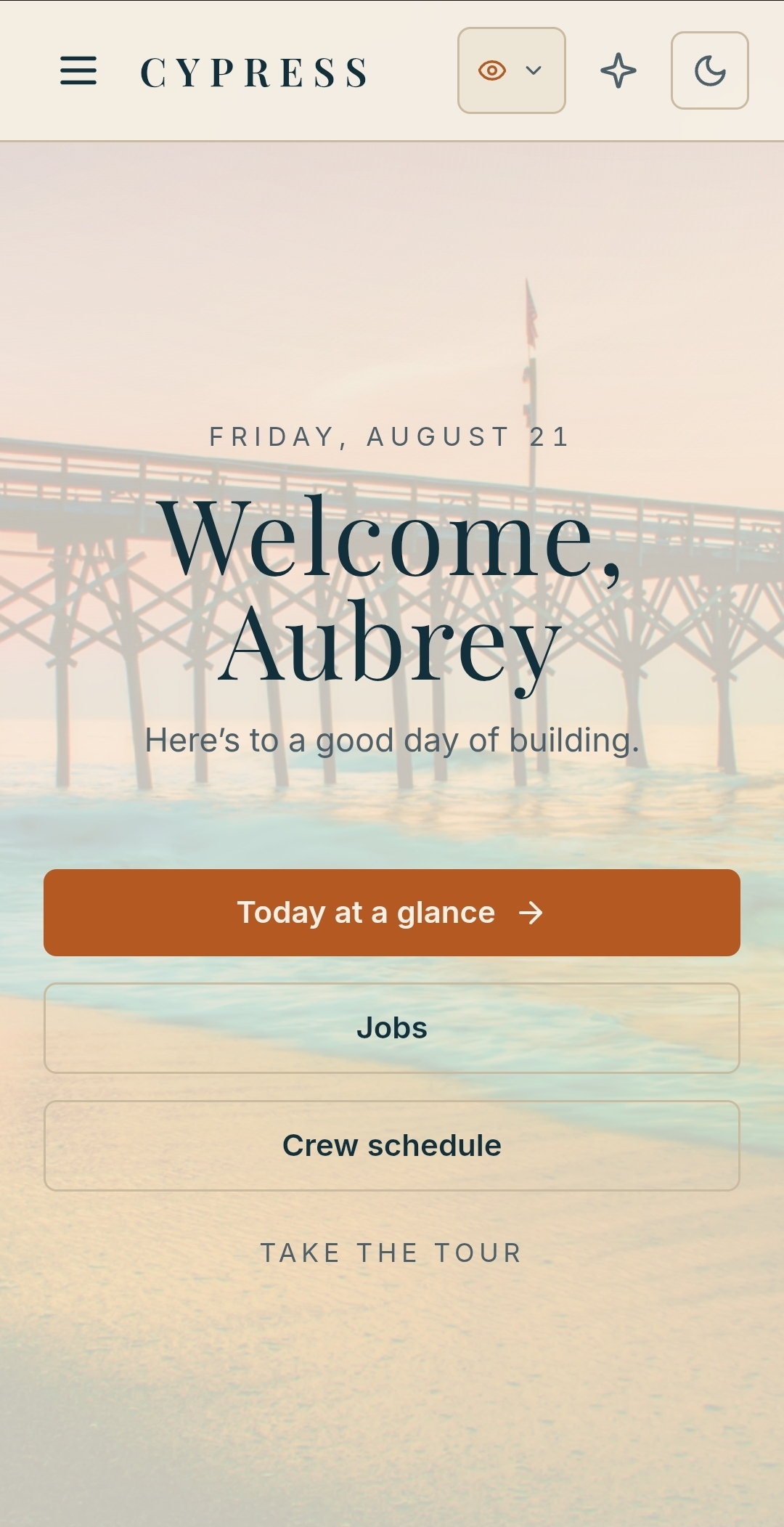
CYPRESS brings job information, subcontractor records, permits and documents into a construction command center. The practical benefit is seeing related work together rather than checking independent files for each part of a project.
The clearest test is whether an employee can explain the rule: when this happens, that record updates, and this person checks the exception. If those steps are clear, the next process is easier to plan.
For help mapping the handoffs in your own office, our automation consulting session includes a working conversation and a written plan for your company.