CANOPY keeps enrollment, student records, academics, tuition, documents, teachers, and family access connected. We configure it for your school, place it inside your Google Workspace, and manage the platform for you.
Standard school or academyYour Google Workspace$299 setup + $299 monthly
Ivy homeCANOPY home
THE WORKING VIEW
Start the day with the school already in view
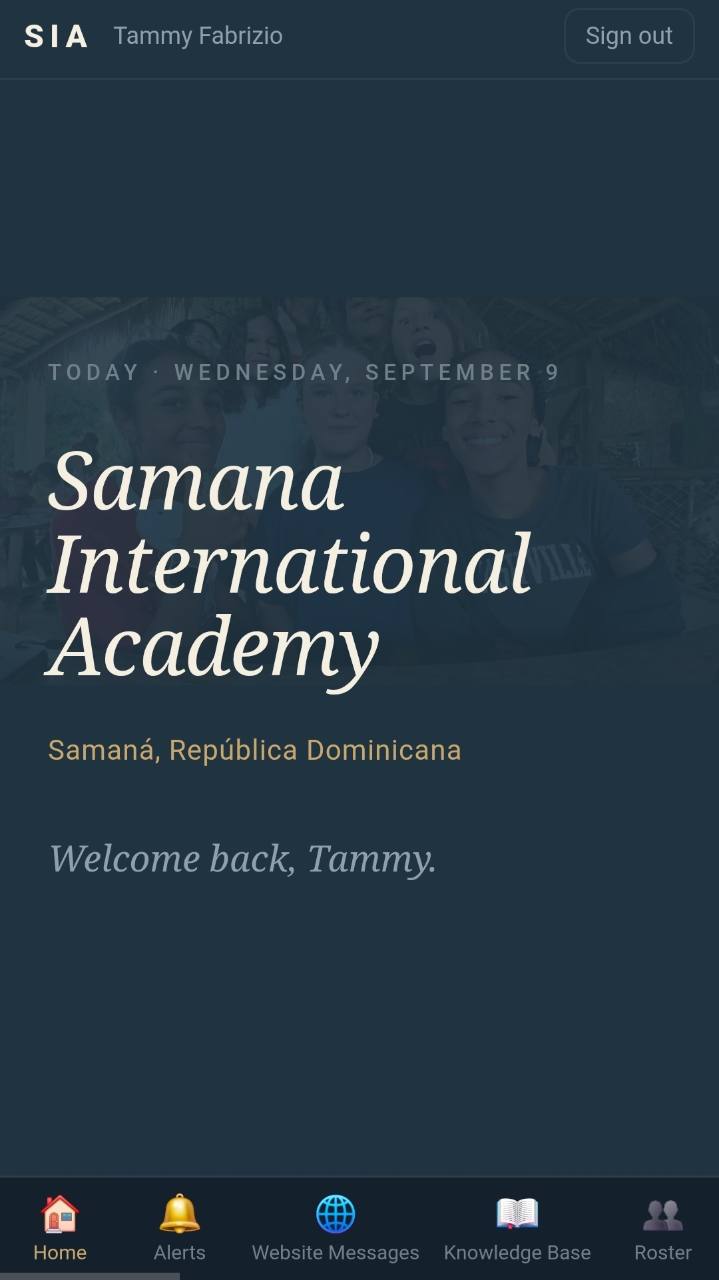
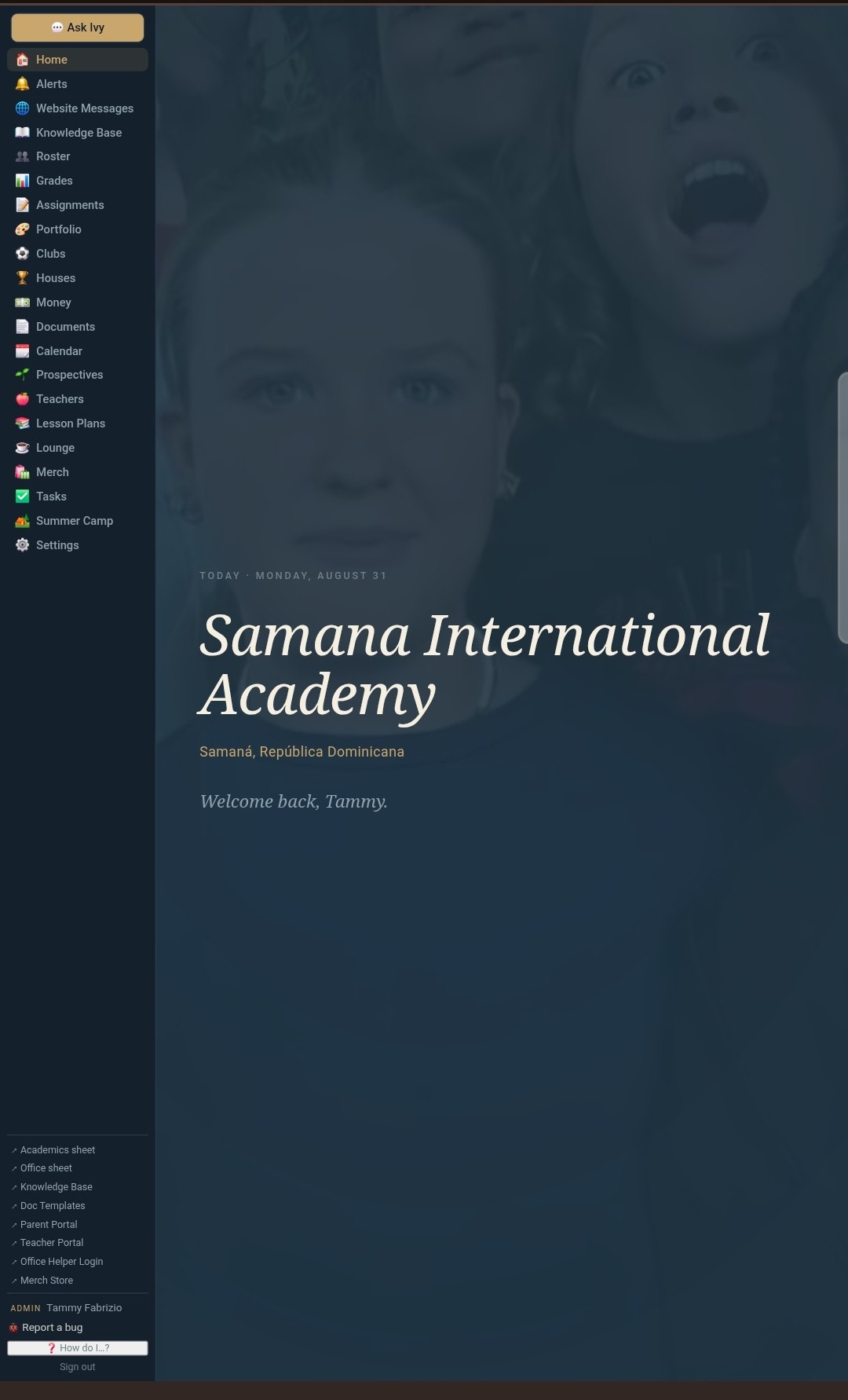
Open CANOPY and see attendance, inquiries, tuition, schedules, documents, and the work waiting for the office. Each person gets the view that belongs to their role.
The demo uses a microschool setup and sample data. You can open it now, add a student, move through the gradebook, and look at the family side before we speak.
School homeSchool calendar
THE SCHOOL OFFICE
One record can do more than sit in a spreadsheet
When a family moves from inquiry to enrollment, the same information is ready for attendance, academics, tuition, documents, and parent access. The office does not have to rebuild it in every tool.
Enrollment + students
Follow a family from first inquiry to first day
Keep grade interest, contacts, siblings, medical notes, class placement, and academic history together. Once a student enrolls, the record is already there.
Named enrollment stages · one student record
Student records
Academics
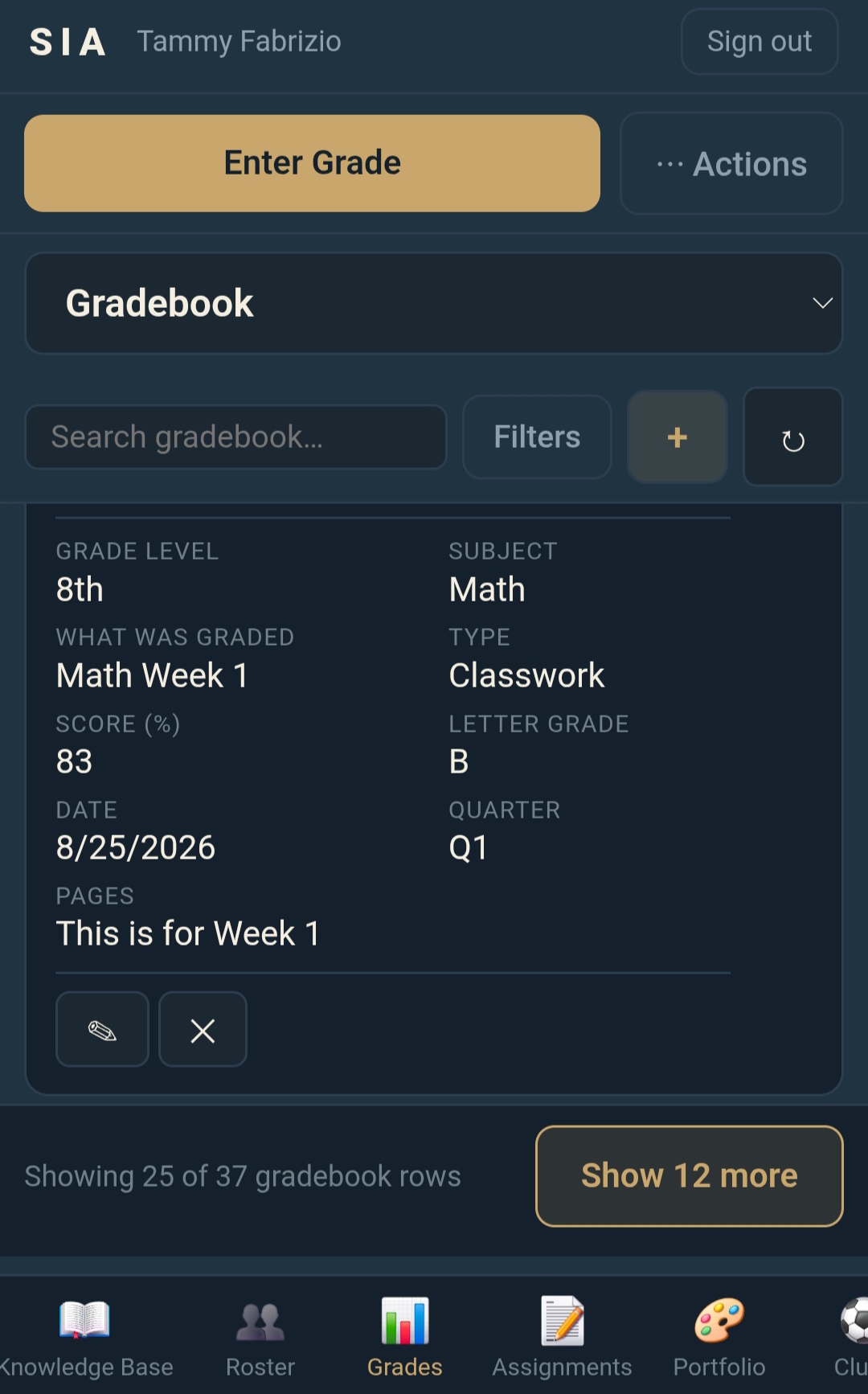
Grades go in once
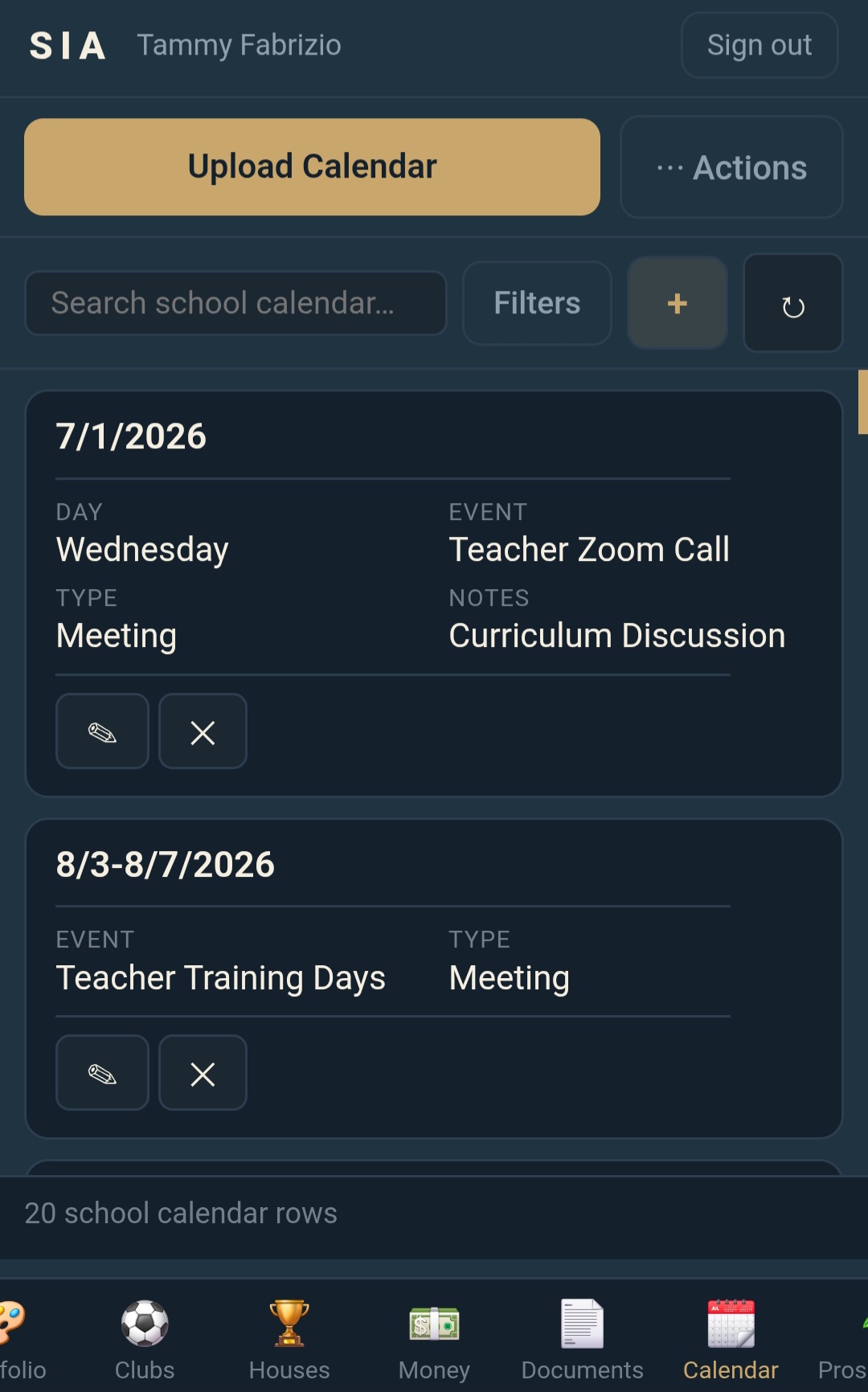
Assignments, weighted grades, report cards, schedules, and school calendars share the same academic record.
Gradebook
Tuition + store
See each family balance clearly
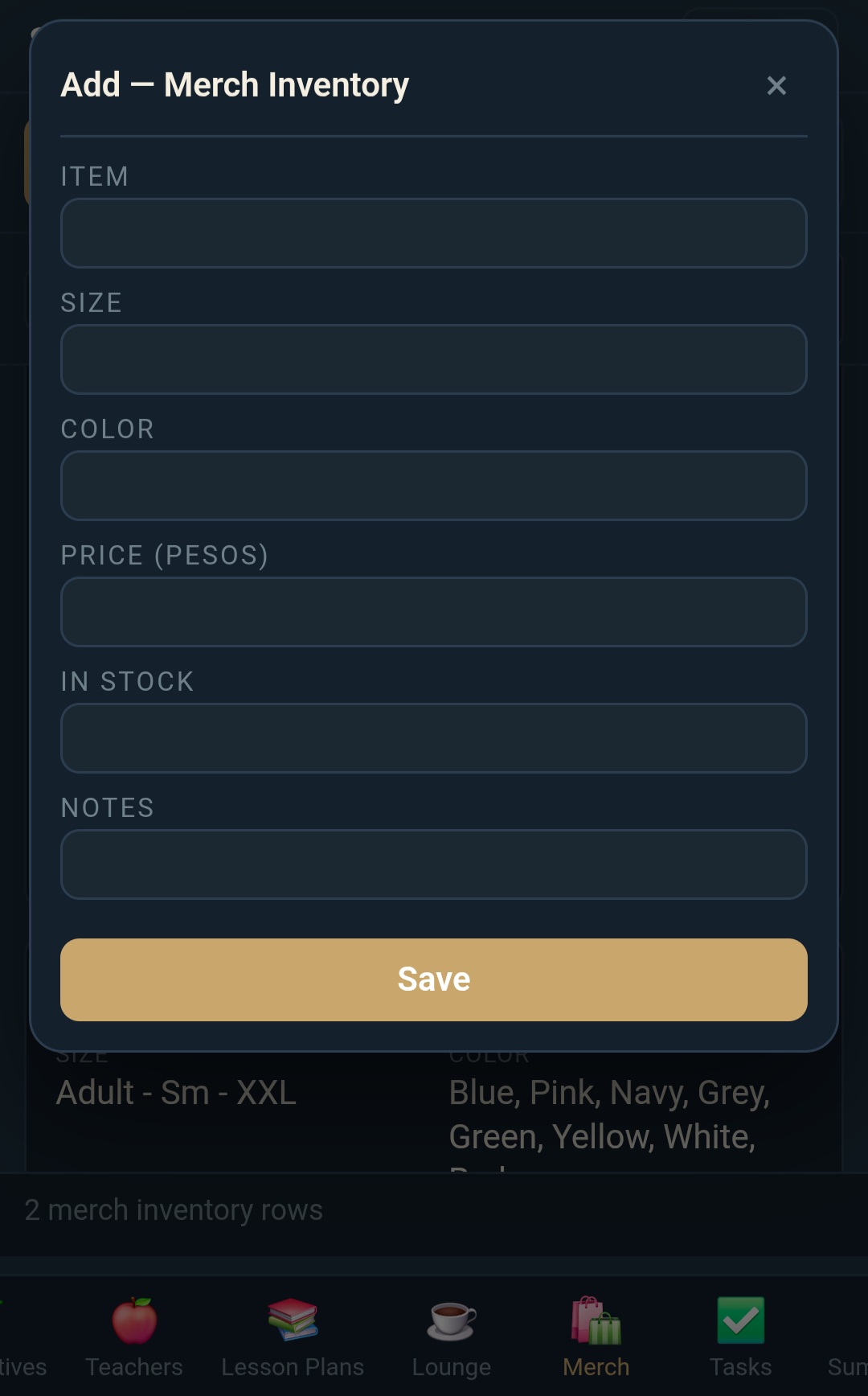
Set rates by grade, apply sibling discounts, split payments, and keep a running ledger the office can read at a glance. The same tools run the school store, with priced items, sizes, and what is in stock.
School store
Documents
Create the forms your school actually sends
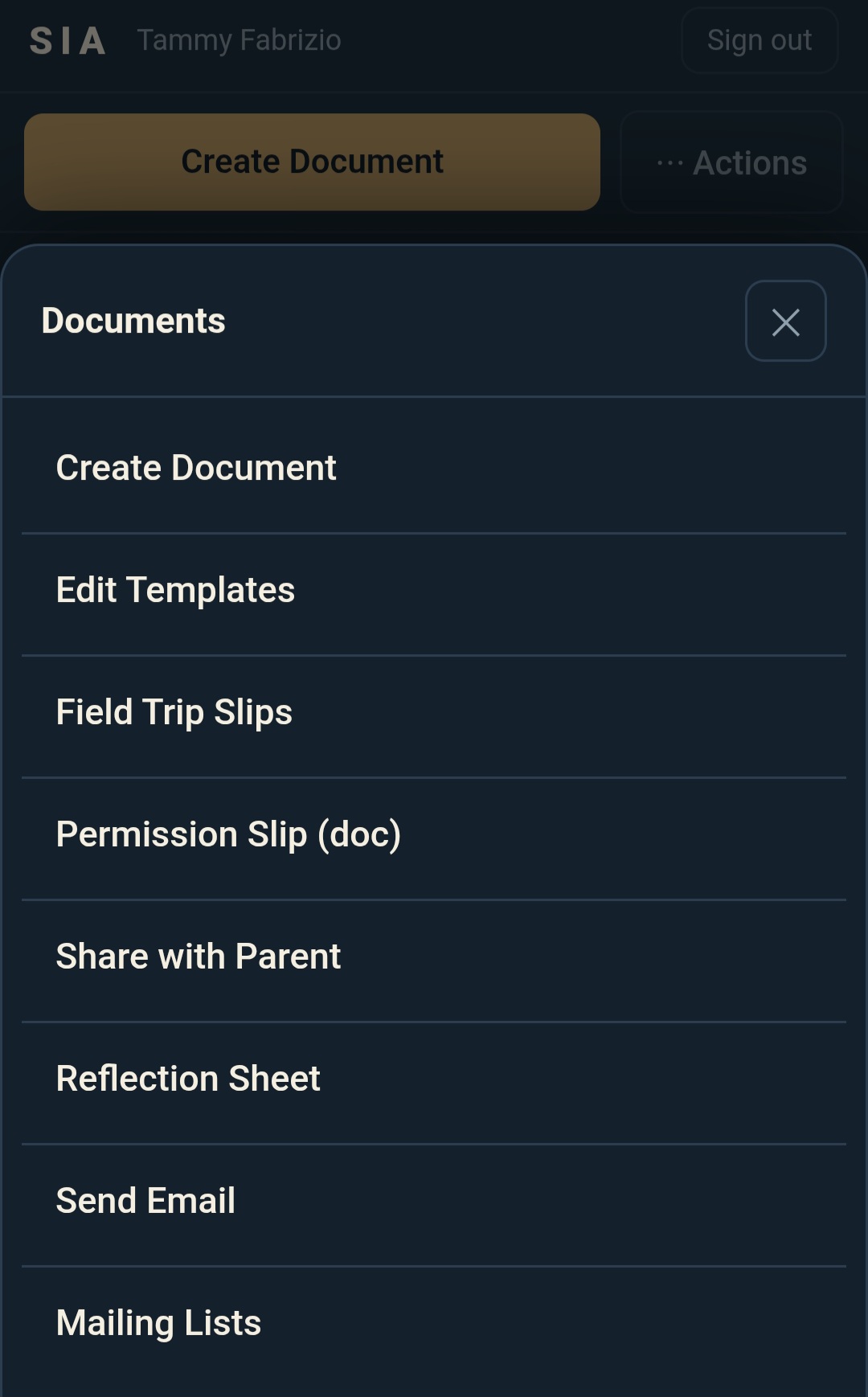
Build permission slips, letters, report cards, and other school documents from the information already on file, then save them with the student record.
Document center
Teachers
A separate staff portal
Teachers use a PIN-protected view for their classes, students, and gradebook. They do not enter the administration side.
Parents
A private family view
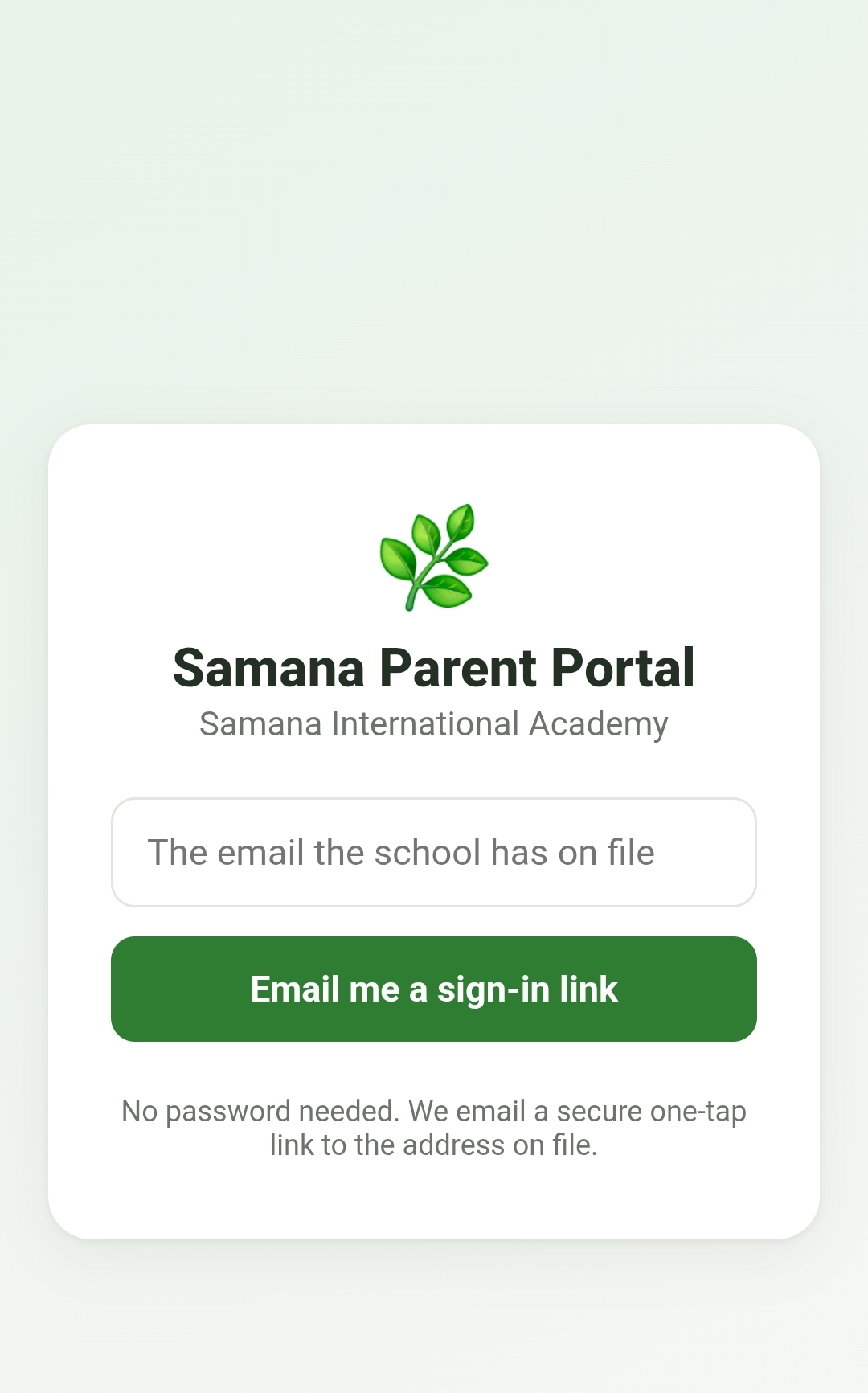
Families can check balances, calendars, documents, and office messages through a one-tap sign-in link.
School guide
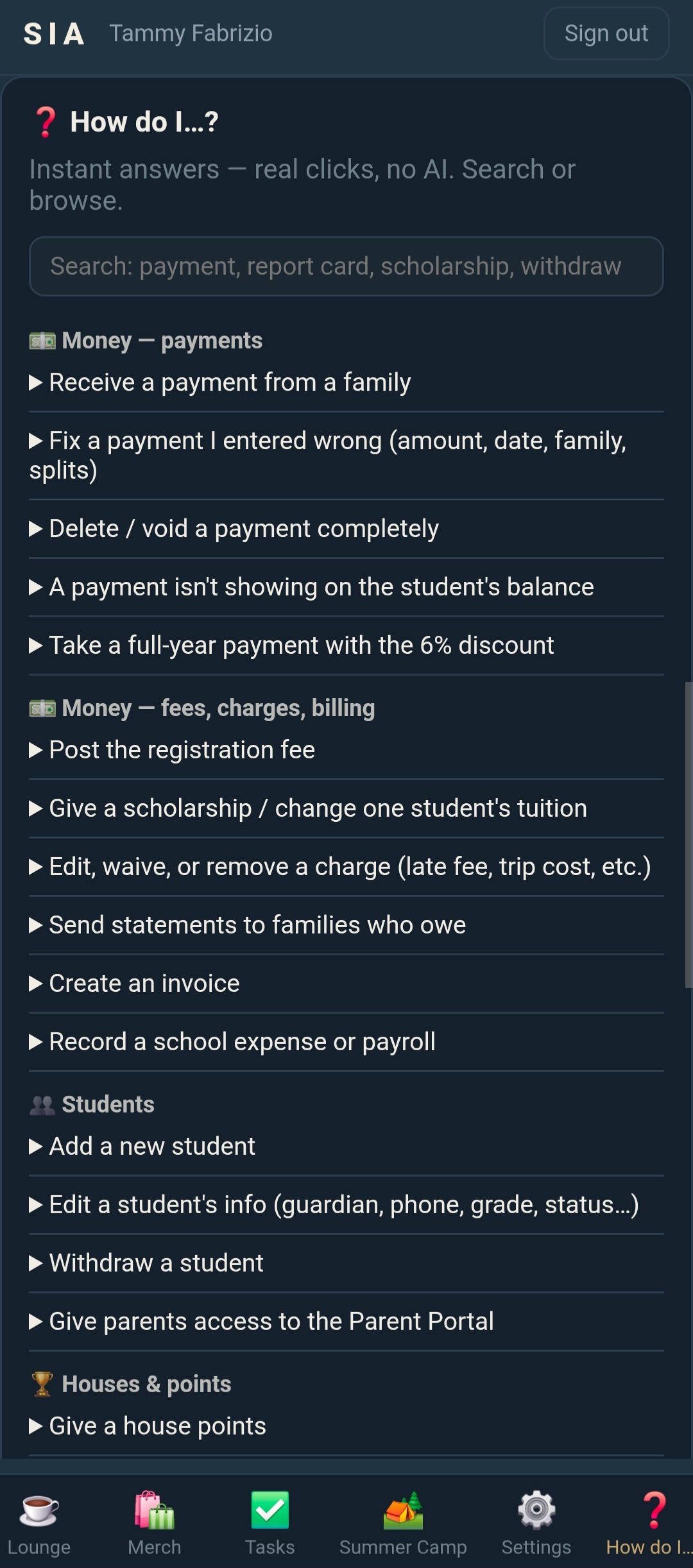
Answers built into the office
A plain-language guide walks staff through common tasks such as posting a payment or withdrawing a student.
CONFIGURED AROUND YOUR SCHOOL
Solid structure, unmistakably your school
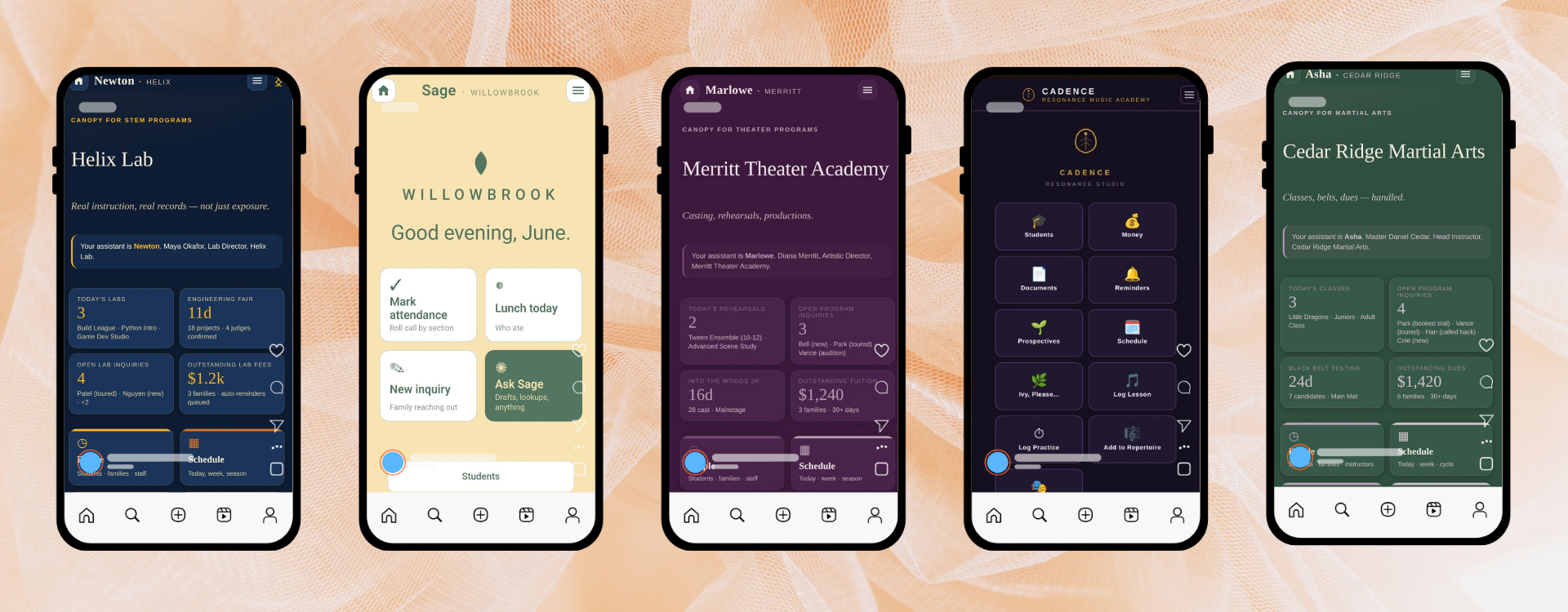
A microschool, theater academy, music school, STEM lab, and martial arts program do not use the same language. We select the right modules and apply your school's labels, settings, colors, documents, and built-in guide. The five shown here are example demo builds, not live schools.
Five example builds
WORKS WHERE SCHOOL HAPPENS
Keep the office current from the classroom or the garden
CANOPY works on a desktop, tablet, or phone. Staff can mark attendance, check a schedule, review a family balance, or open a student document without waiting to return to one office computer.
A LIVE DEPLOYMENT
See what a working school keeps in CANOPY
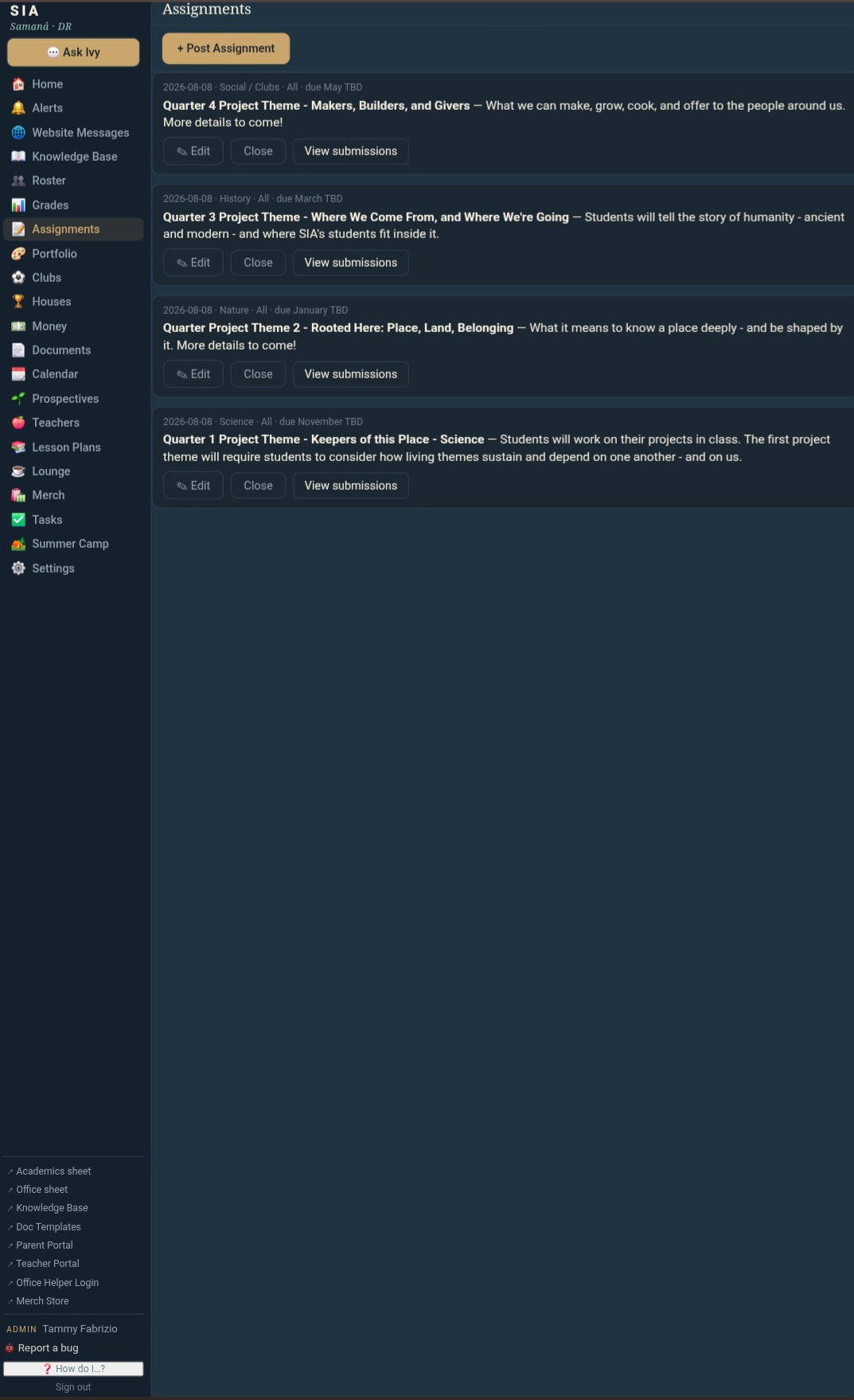
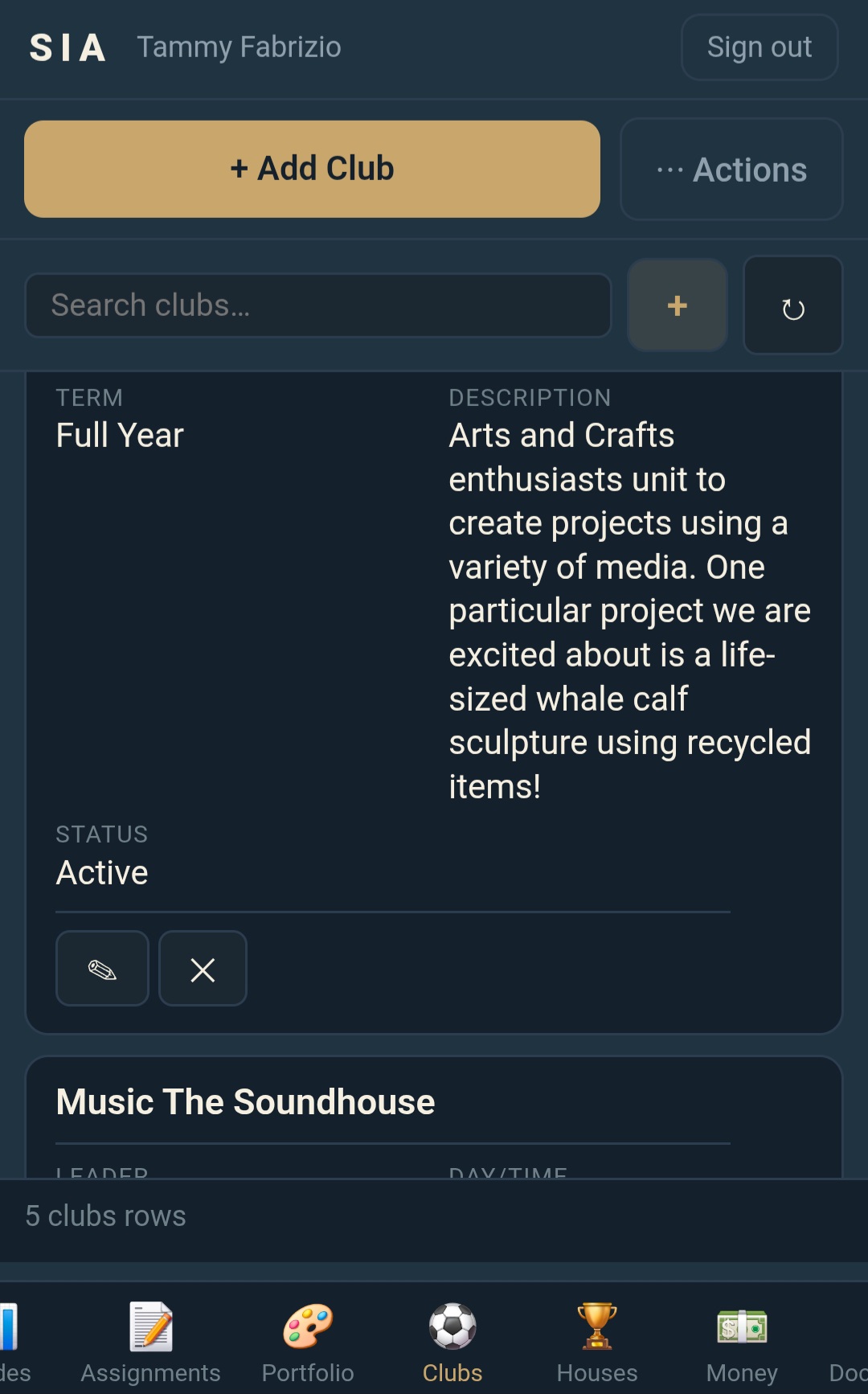
Samana International Academy in Samaná, Dominican Republic runs enrollment, academics, tuition, documents, and family communication through its own CANOPY platform.
School calendarGradebookClubsDocuments
THREE USEFUL VIEWS
The office, teachers, and families each see what they need
CANOPY keeps access simple without putting every user inside the same administration screen.
The office
Manage enrollment, student records, tuition, documents, calendars, and school-wide settings.
Teachers
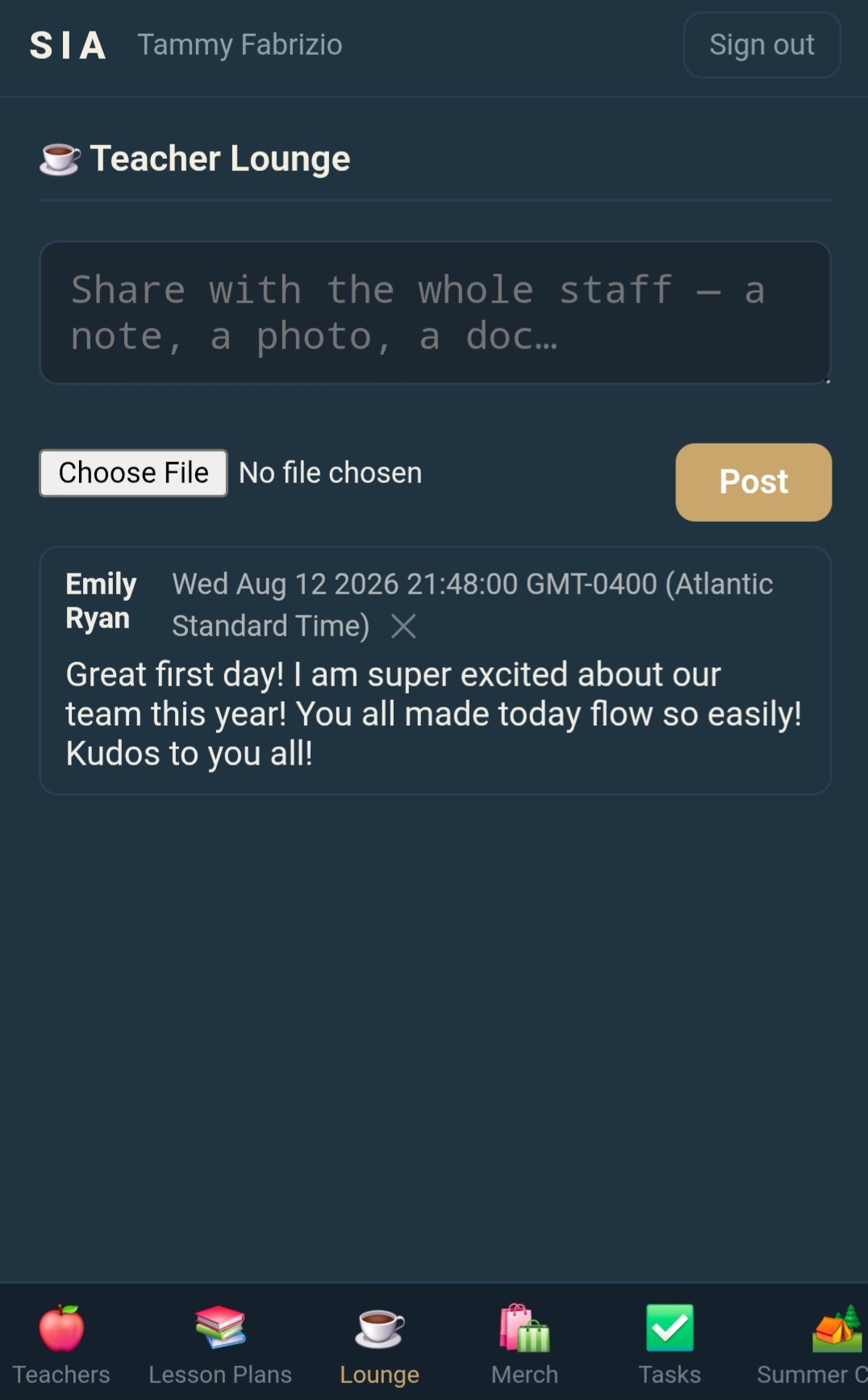
Open assigned classes, students, the gradebook, and the shared staff lounge through a protected portal.
Families
Use a passwordless link to check balances, dates, documents, and messages in English or Spanish.
Office guideTeacher loungeParent portal
OPTIONAL ADD-ONS
Add an assistant only when it serves the school
CANOPY works without AI. Ivy and Legacy are available for schools that want faster office lookups or bilingual support after hours. Both run in the school's Google Cloud account.
Optional · Ivy
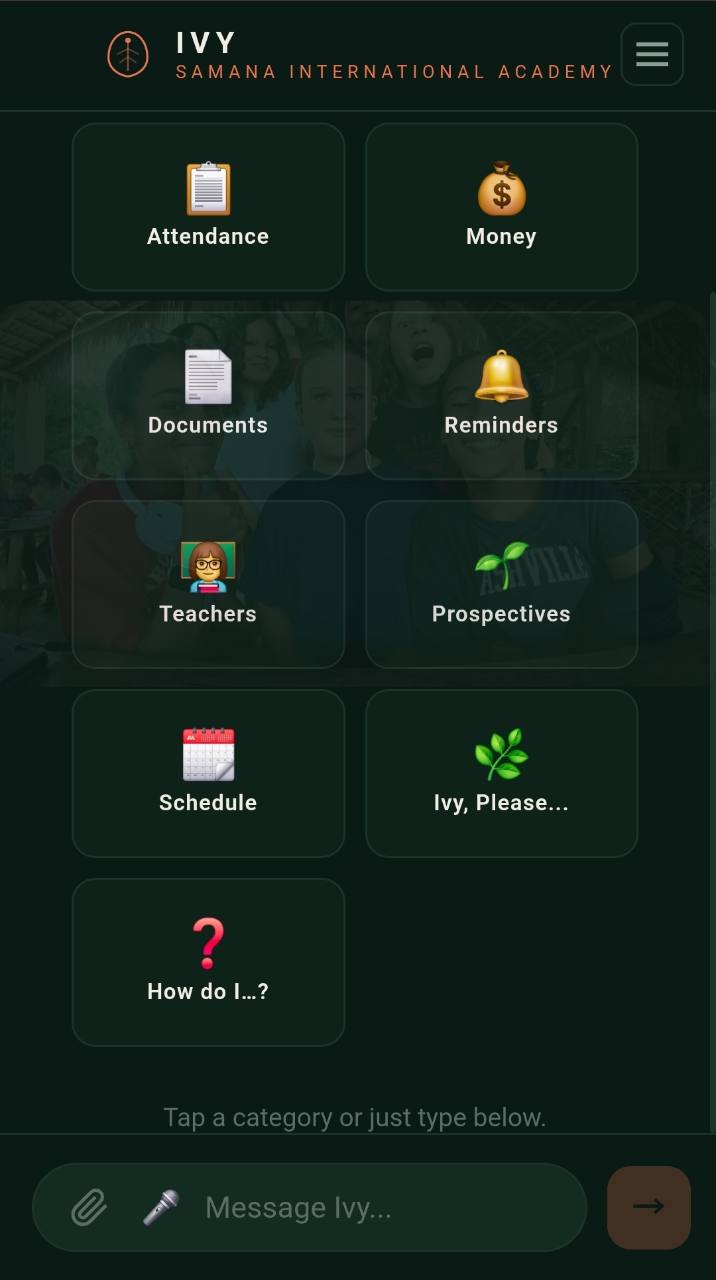
Ask the school record a question
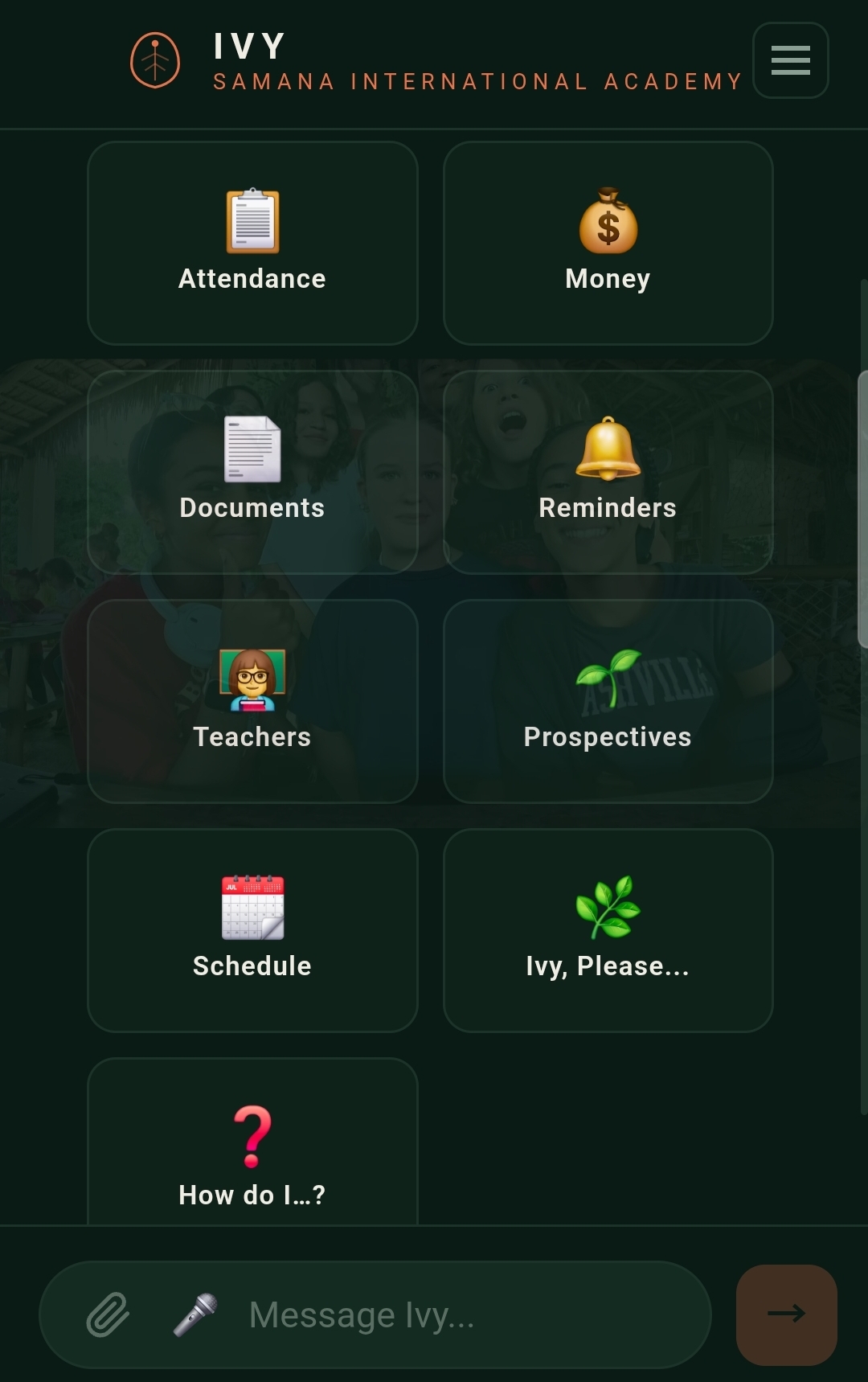
Ivy can answer from live school records, draft an email, check a balance, generate a report card, or build a transcript on request.
Ivy assistant
Optional · Legacy
Give families a bilingual place to ask
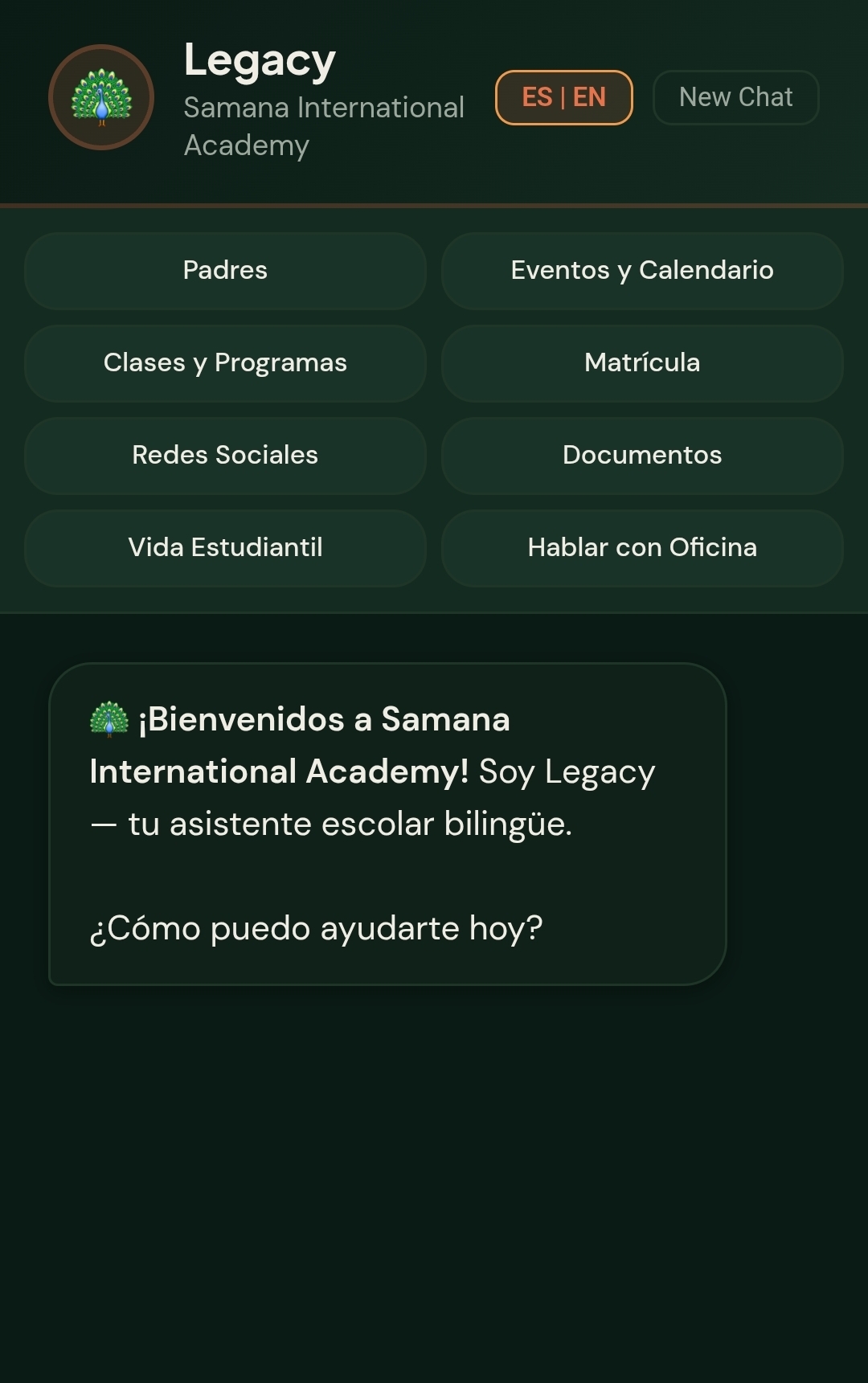
Legacy answers common parent questions in English or Spanish using the same school records and office information.
Legacy family assistant
YOUR ACCOUNTS. YOUR RECORDS.
Your school keeps the keys
CANOPY is deployed inside your school's Google Workspace. Student records live in your Google Sheets. Documents are saved in your Google Drive, in folders your staff can open directly.
If we ever part ways, every row and folder remains in your accounts. Your school does not have to move its records out of a database we control.
WHAT CHANGES
A connected school office is easier to read
Right now
Student records spread across shared folders and spreadsheets.
Tuition updated separately from enrollment and family records.
Report cards assembled again at the end of each quarter.
Enrollment decisions living inside email threads.
Parents calling the office for balances, dates, and forms.
Letters copied from templates saved on one computer.
On Canopy
One student record used by every school module.
A running tuition ledger for each family.
Report cards generated from the existing gradebook.
Enrollment moving through clear, named stages.
Families checking their private portal in English or Spanish.
Documents generated from school templates and saved to the student record.
20 students at $500 a month is $10,000 in monthly tuition
Your enrollment and tuition rates belong to your school. CANOPY is the administration platform that keeps the records, academics, billing, and family access behind those numbers organized.
WHAT IT COSTS
$299 setup, then $299 a month
CANOPY is built and ready to configure. The $299 setup covers a fresh installation, your school identity, and the standard settings a school or academy needs. Other school types run on HELIX, the CANOPY adaptation for microschools, martial arts, music, theater, STEM, and every other kind of school: $699 setup, then from $299 a month.
School setup
$299
One time. We prepare a clean CANOPY installation for your school and staff.
Fresh, empty CANOPY installation
School name, logo, and colors
Standard module configuration and basic labels
Basic tuition and school settings
One staff orientation
Deployment inside your Google Workspace
Managed platform
$299 / month
We keep the platform running and continue to support the school.
Google Cloud hosting in your accounts
Maintenance and monitoring
Platform updates
Standard support
Cancel any time. Your records stay in your Google Workspace.
Optional and custom work
Ivy and Legacy remain available as optional assistants. Data migration, new modules, custom workflows, extensive document setup, and new integrations are scoped separately. Additional support is $60 an hour.
Each Fabrizio Tech system is licensed for the operation of your own institution and may not be resold or redistributed.
HOW WE GET YOU LIVE
A clear handoff from your school to ours
01
TALK
Tell us how the school runs: grade levels, staff roles, enrollment, tuition, documents, and family communication. We identify what your version needs.
02
SET UP
We create a clean installation, apply your school identity, select the standard modules, and configure the basic settings inside your Google Workspace.
03
GO LIVE
We walk the staff through CANOPY and remain responsible for the platform, updates, and standard support.
FAQ
Common questions
CANOPY can be configured for private schools, charter schools, Montessori and Waldorf programs, microschools, academies, theater and music studios, STEM labs, martial arts programs, and other specialized education models.
Yes. Your team brings the educational model, curriculum, and staff. We prepare the administration platform so enrollment, records, tuition, documents, and family access are ready for the school.
Google Workspace and Google Cloud. The platform runs inside your school's accounts. Records live in Google Sheets, and generated documents are saved to Google Drive.
In your school's Google Workspace and Google Cloud accounts. Your staff can open the underlying Sheets and Drive folders directly, and the records remain yours if the subscription ends.
No. CANOPY works without either assistant. Ivy is an optional school administration assistant. Legacy is an optional bilingual family assistant.
Yes. We configure the colors, logo, module labels, document templates, and assistant name for your school.
Yes. Attendance, grades, tuition, documents, and family communication can be used from a desktop, tablet, or phone.
A fresh CANOPY installation, your school name, logo, colors, standard modules and basic labels, basic tuition and school settings, deployment inside your Google Workspace, and one staff orientation.
Ready to run CANOPY?
Purchase the subscription and we begin your setup within one business day. Setup and the first month are charged at checkout.