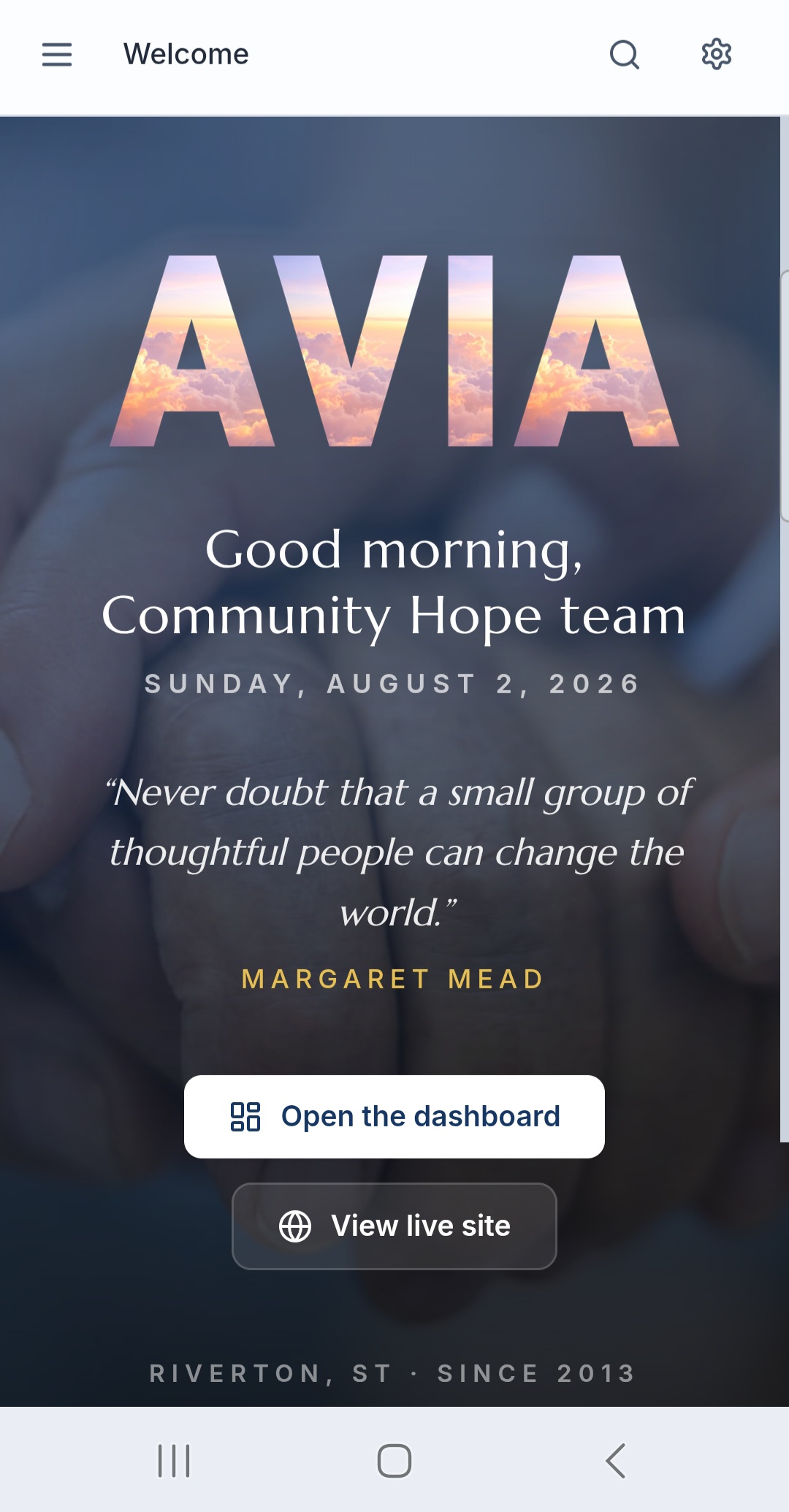
AVIA is already built and runs two very different nonprofits today. We set it up to your organization, with your colors, your member or client tiers, your forms, your reminder ladder, and your roles, import your roster, and launch it. Members or clients, dues or donations, digital forms, grants, volunteer hours, governance, and fundraising in one clean app a volunteer or staffer can run.
Runs a nationwide associationRuns a direct-service nonprofitHosting and updates included
One systemMany missions
What AVIA Does
A nonprofit runs on hundreds of small tasks: who has paid their dues or given this month, which chapter filed its form, whose volunteer hours still need logging, which grant and scholarship applications are in, which client needs a follow-up. AVIA keeps every one of them in one place, with each staffer, volunteer, member, and client seeing exactly what their role needs.
The numbers a board actually asks about, ready before the meeting starts. No hunting through a shared drive at midnight because tomorrow's slide deck needs one more figure.
Best Features
Roster, dues, portal, forms, grants, fundraising. One system.
Members or clients
A full roster of the people you serve
Members or clients, with detail, tiers, and status. Add someone or import your whole list from a spreadsheet, then record dues or donations one at a time or in bulk. Every payment is logged to revenue automatically.
Dues and donations
Dues that run themselves
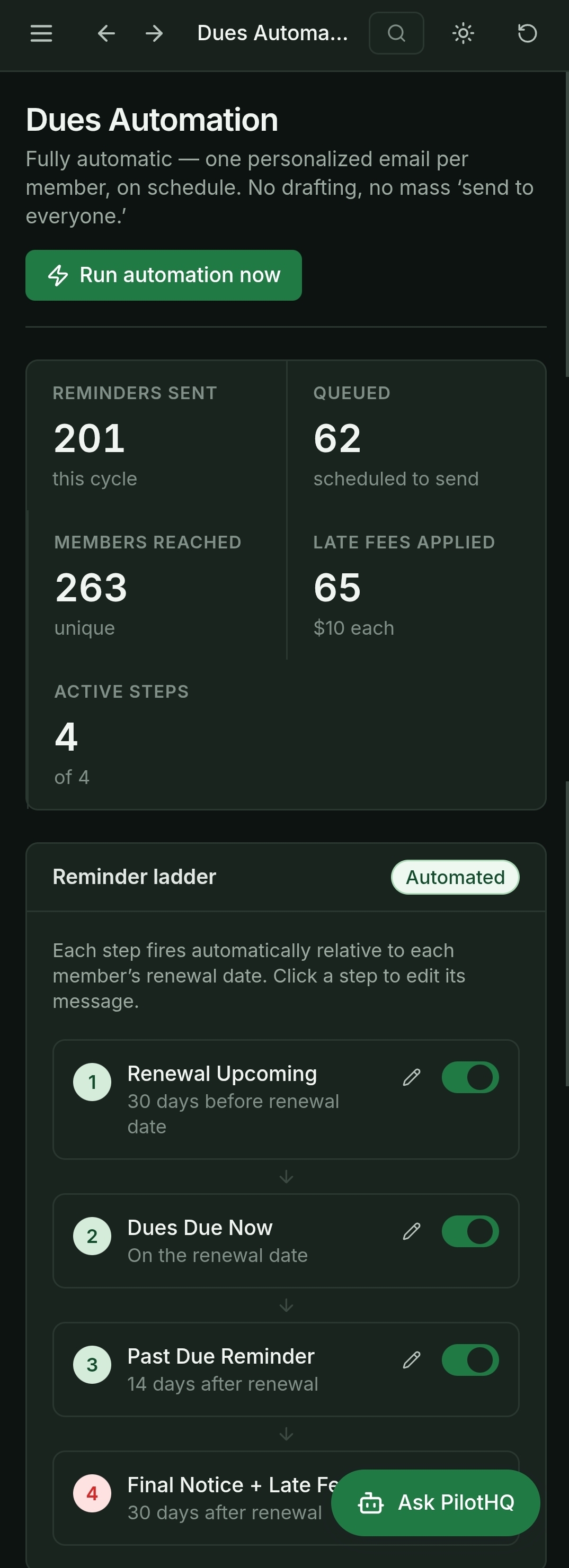
An automation dashboard sends the reminders for you: an editable reminder ladder, a send rate and send window you control, branded email previews with merge fields, and an activity log that shows exactly what went out.
Portal
Member or client portal
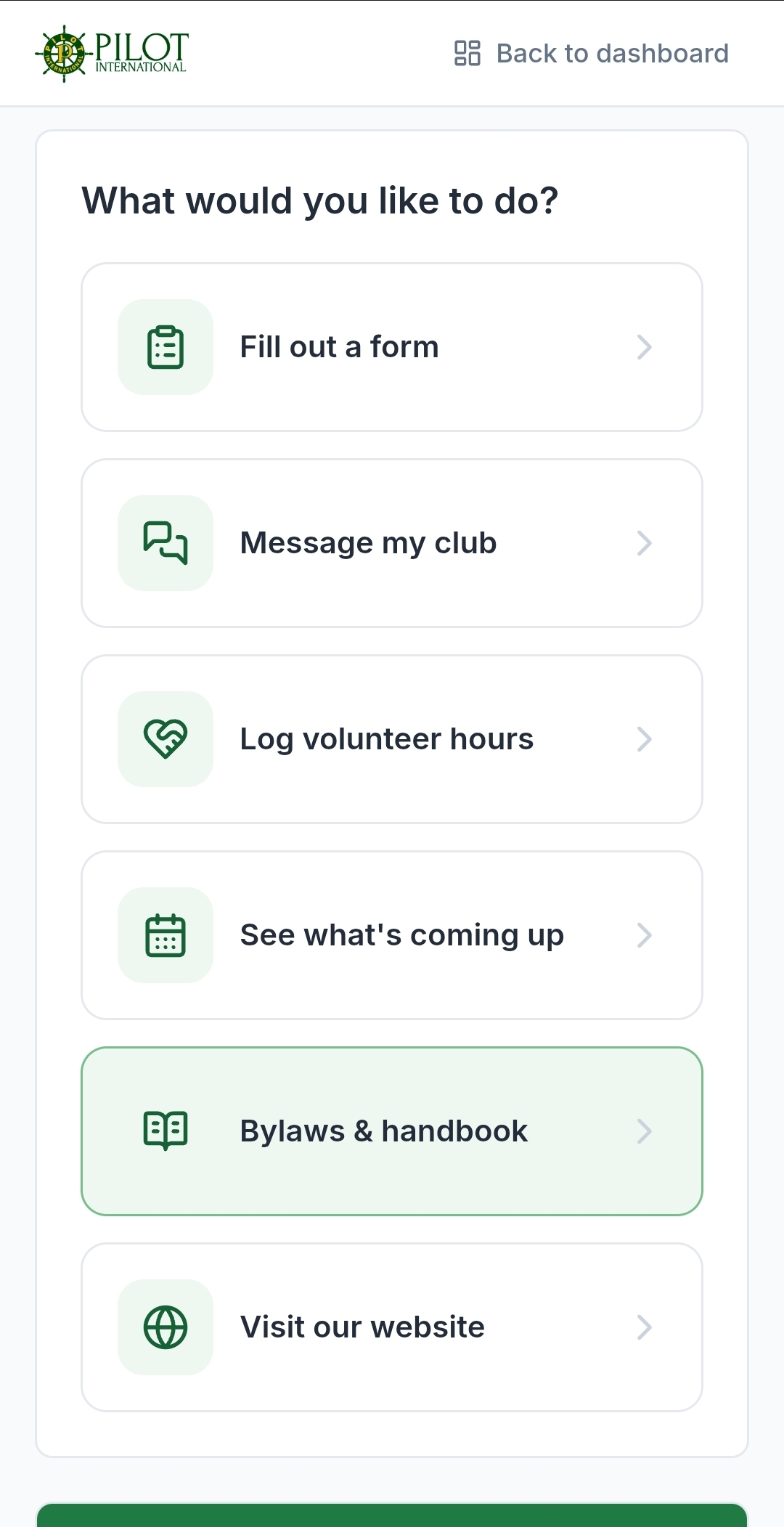
Every member or client gets their own simple view: pay or give in one tap, update their own information, see what is coming up, and log volunteer hours. Big, labeled buttons and plain language.
Forms and documents
Out of the inbox
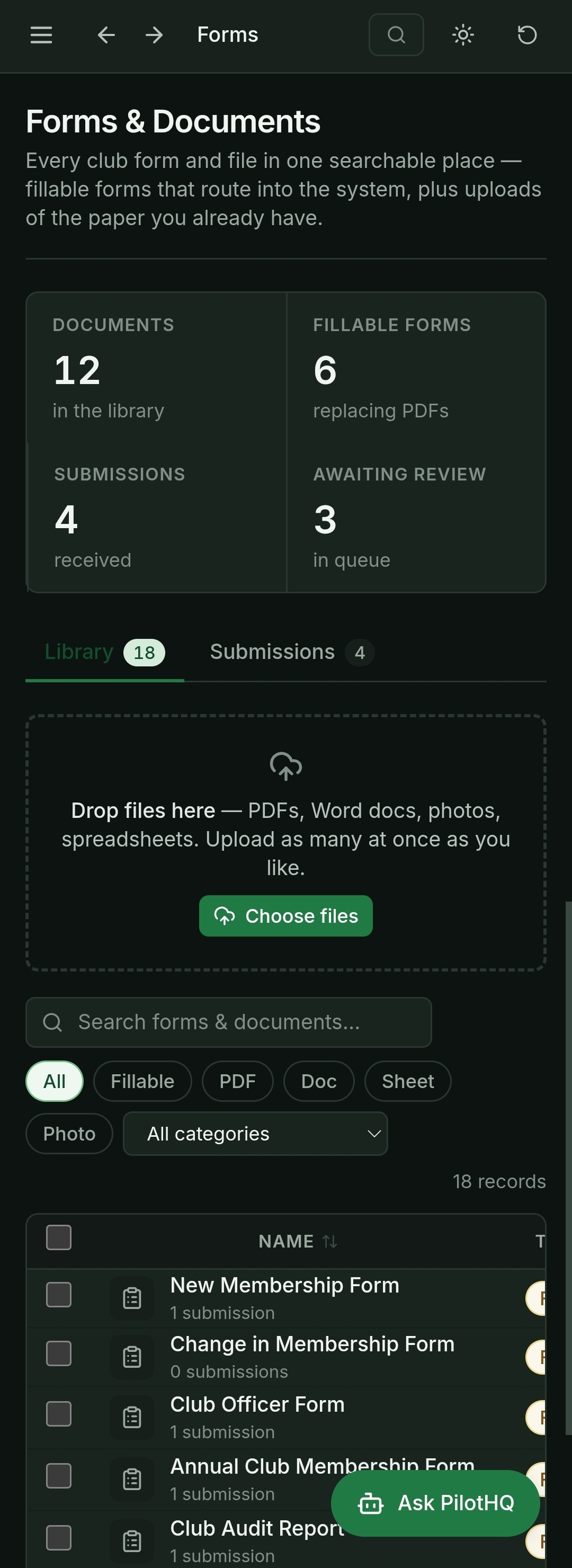
Fillable digital forms route straight to headquarters and retire the mailed PDF. A document library holds your resources with filters and preview, and a review queue lets staff approve or return each submission.
Grants and scholarships
Submission to award
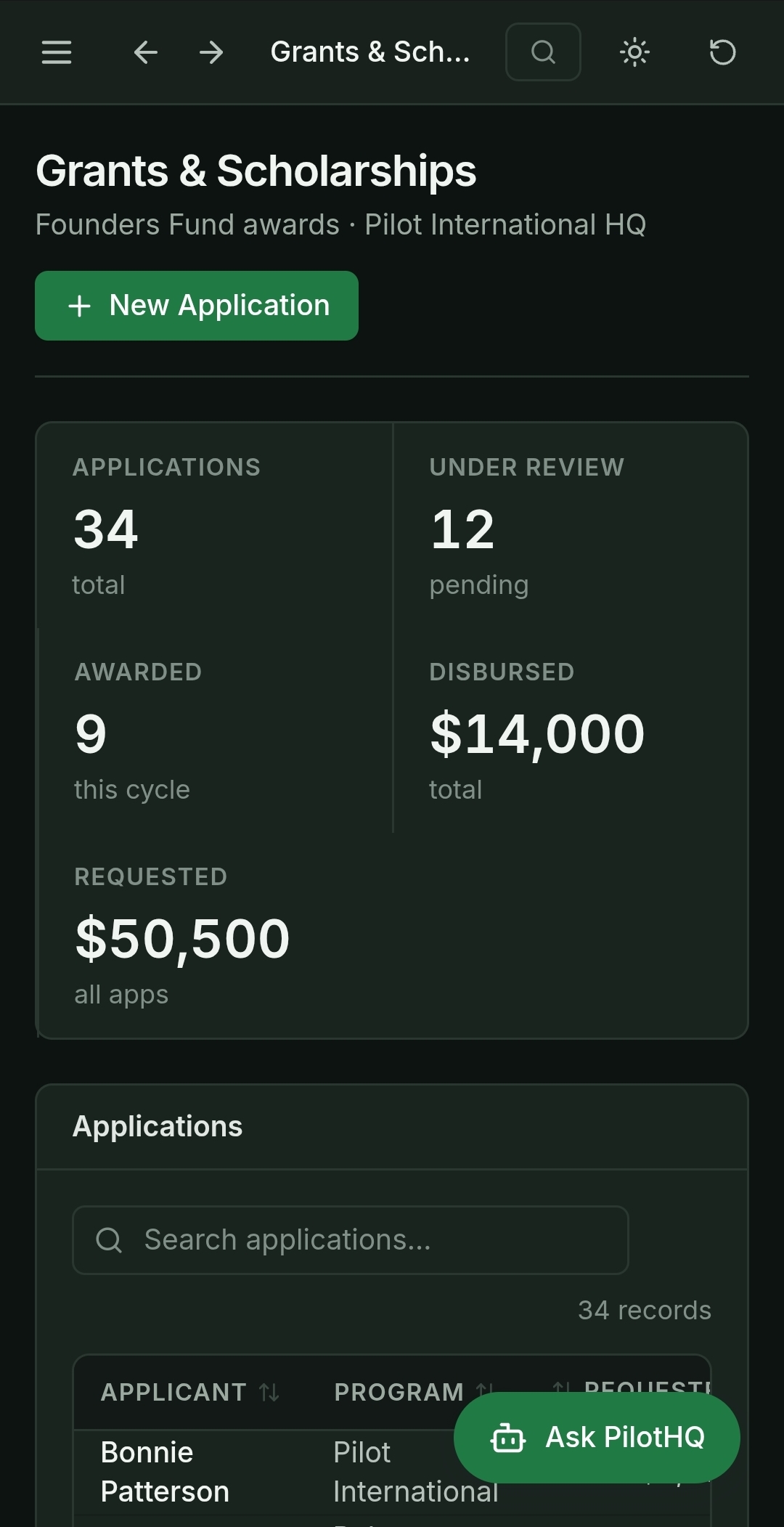
Applications come in online instead of by email, move through a review workflow, and get tracked from submission to award. Deadlines and decisions live in one place your committee can see.
Fundraising
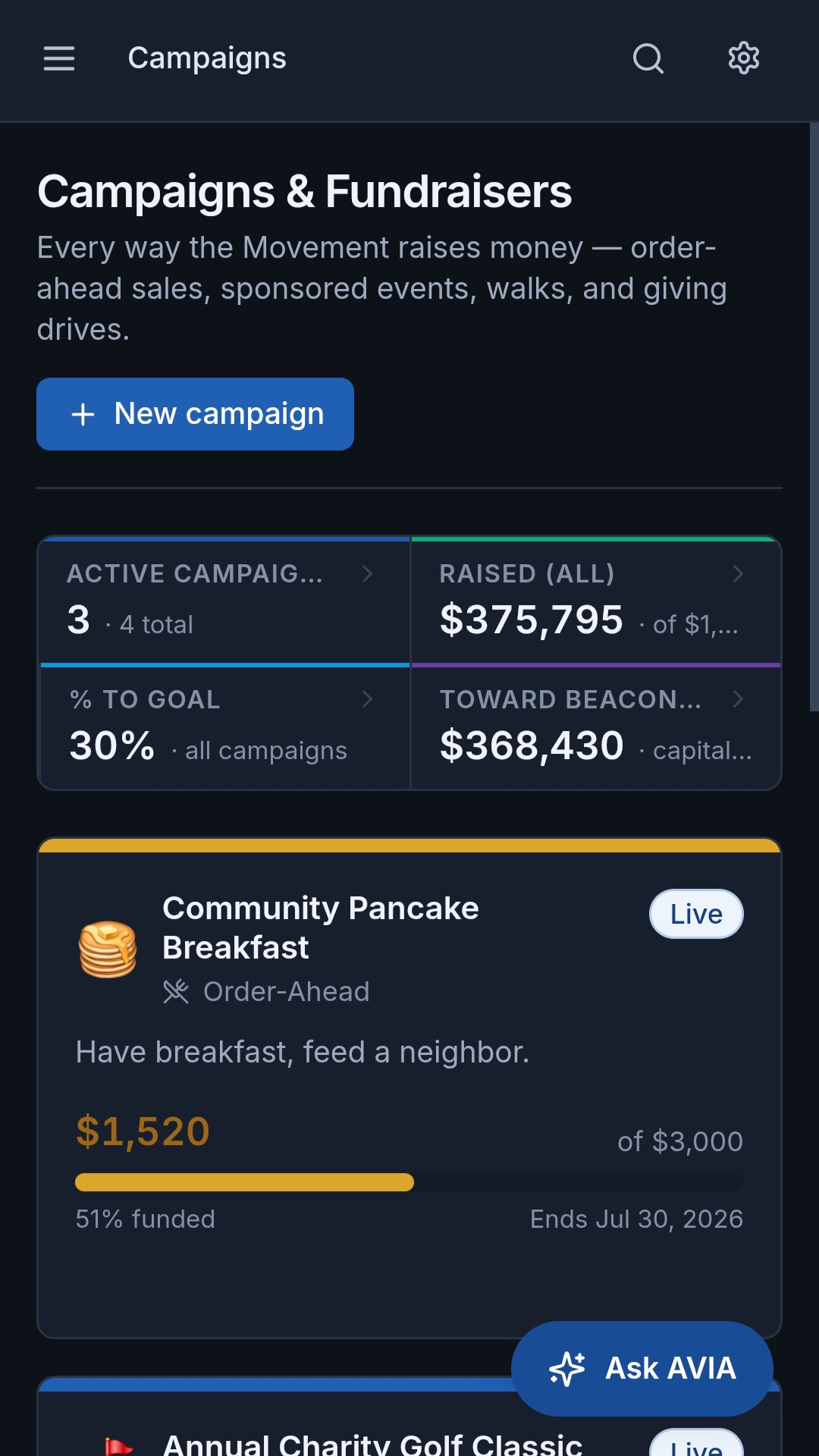
A campaign builder with a live thermometer
Recruiting, donations, events, and drives, with on-brand copy you can edit. Every campaign gets a shareable public page with a photo, the thermometer, and a Give Now button.
Also included
Headquarters, messages, handoff, manuals
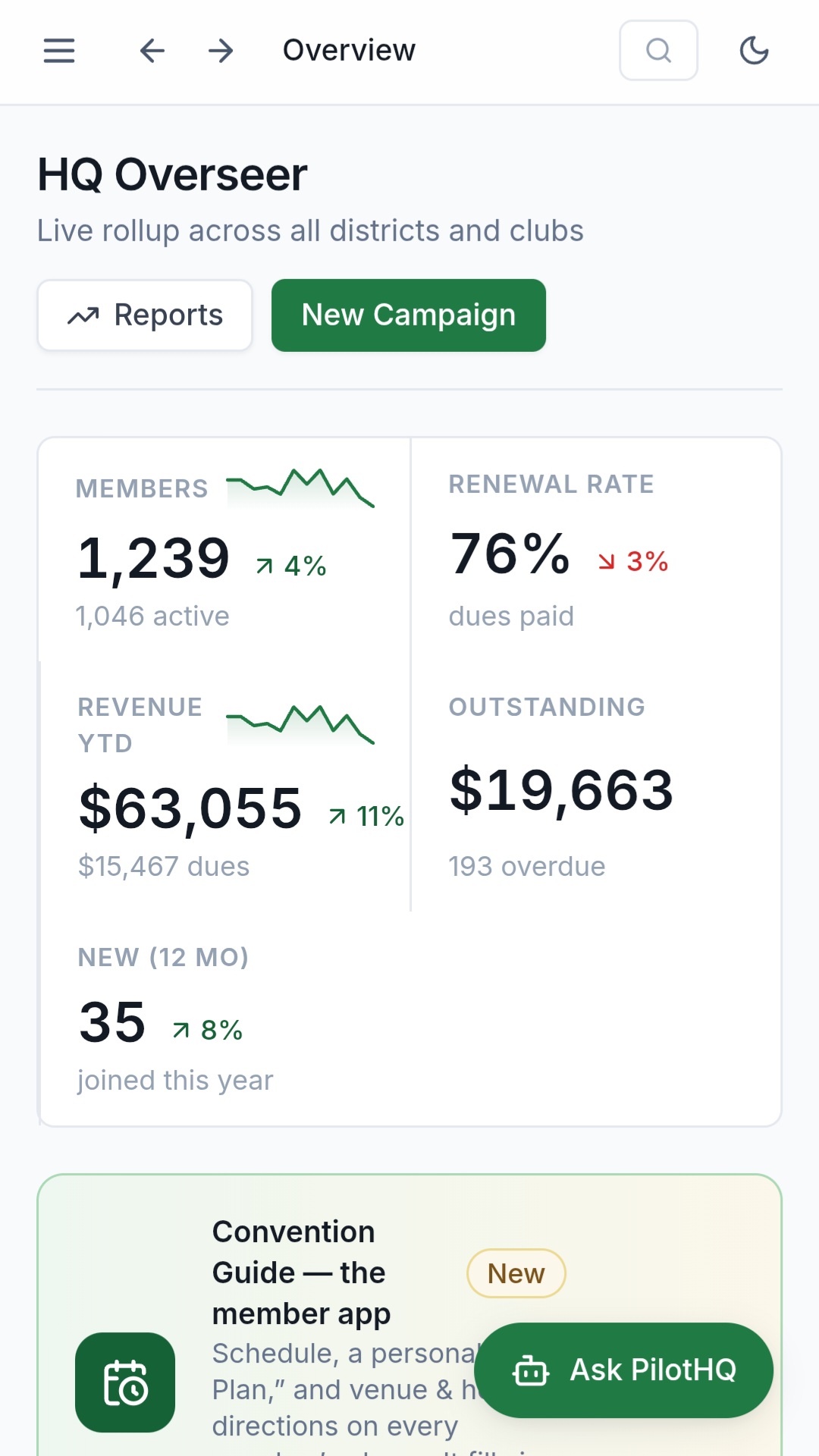
A headquarters dashboard that rolls the whole organization up, a contact and partner directory, Messages with team, committee, and chapter channels, a leadership handoff workflow for annual turnover, living and versioned manuals, bylaws, and code of ethics, and reporting with CSV export and print on any dataset.
One System, Many Missions
Same foundation, shaped to your mission and your language. Two very different nonprofits, both running on AVIA.
A nationwide association
More than a thousand districts, one headquarters view
A national membership organization runs its members, dues, convention, grants, and annual leadership handoff on AVIA. Every club and district rolls up to a single headquarters dashboard, so leaders see the whole organization at a glance while each chapter still manages its own.
A local direct-service nonprofit
Client intake through housing, and the public donor site too
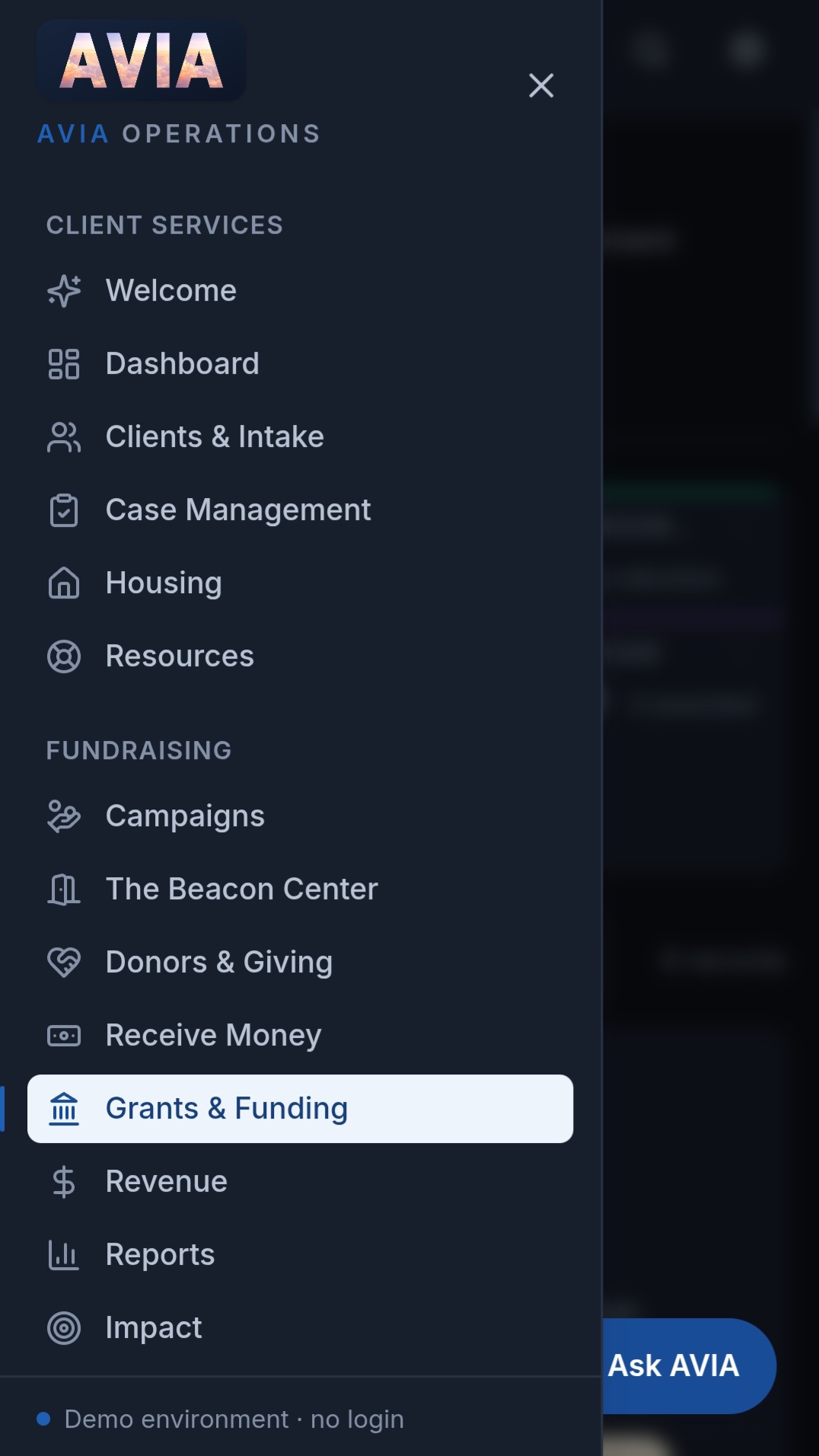
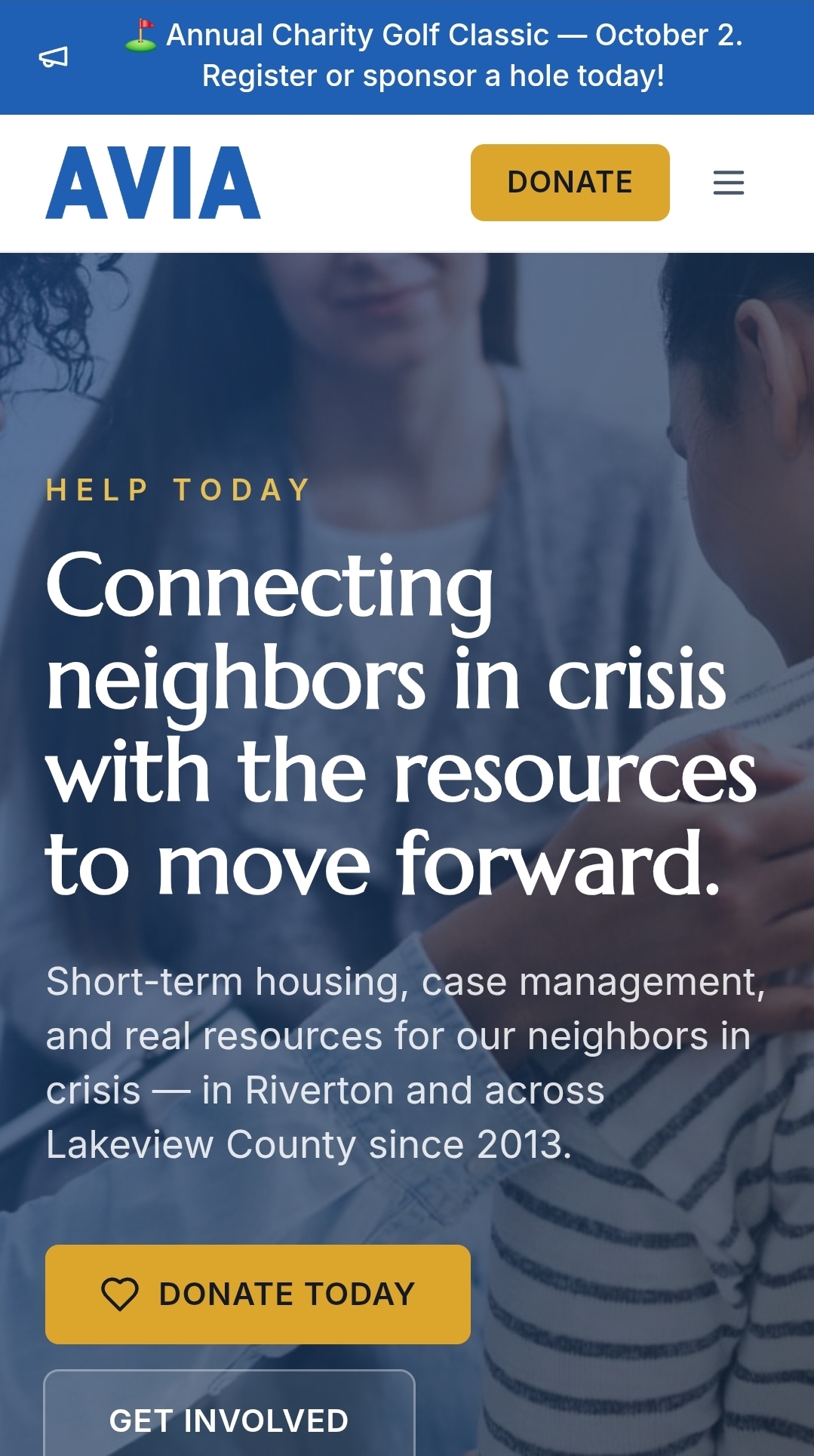
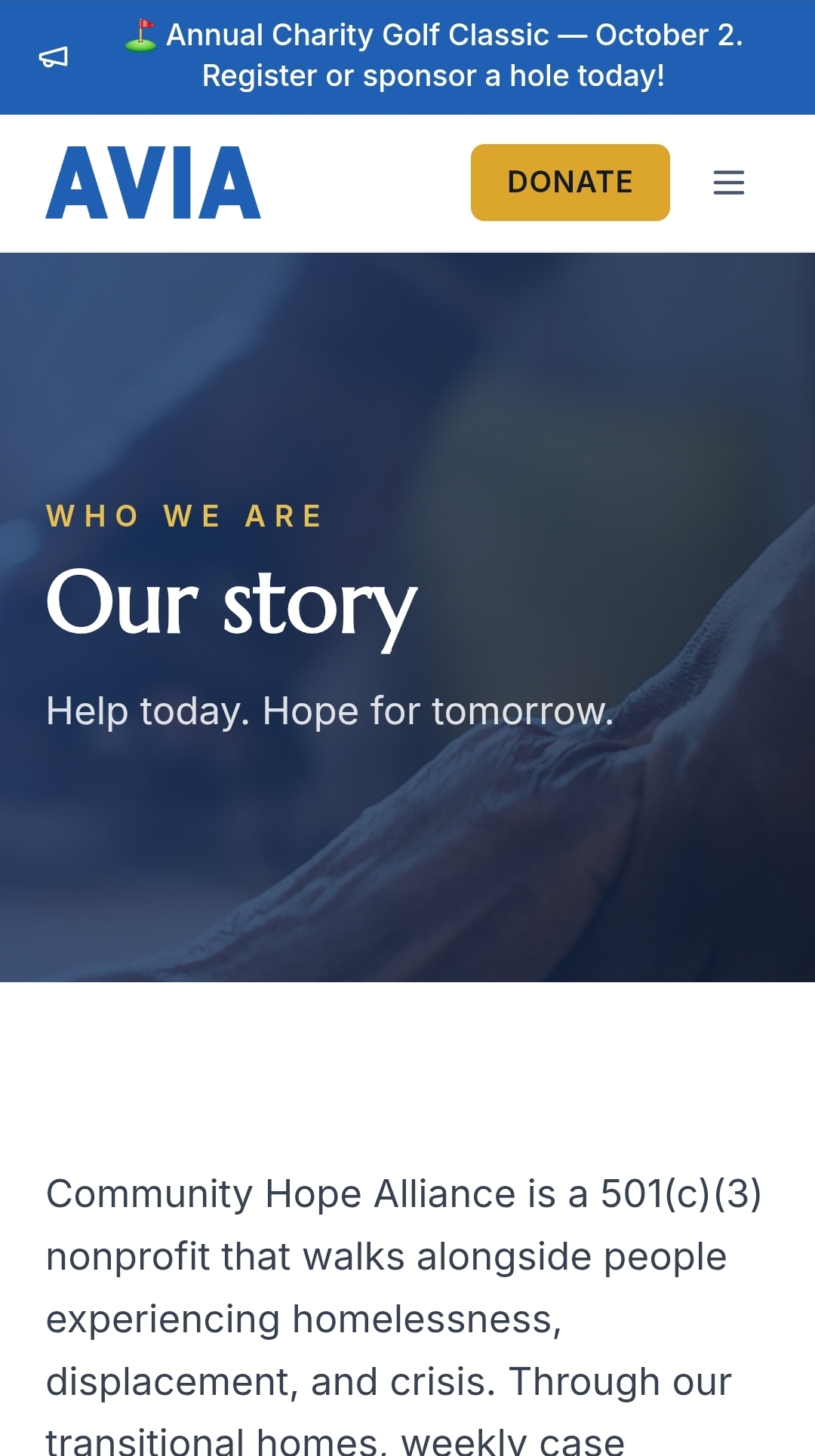
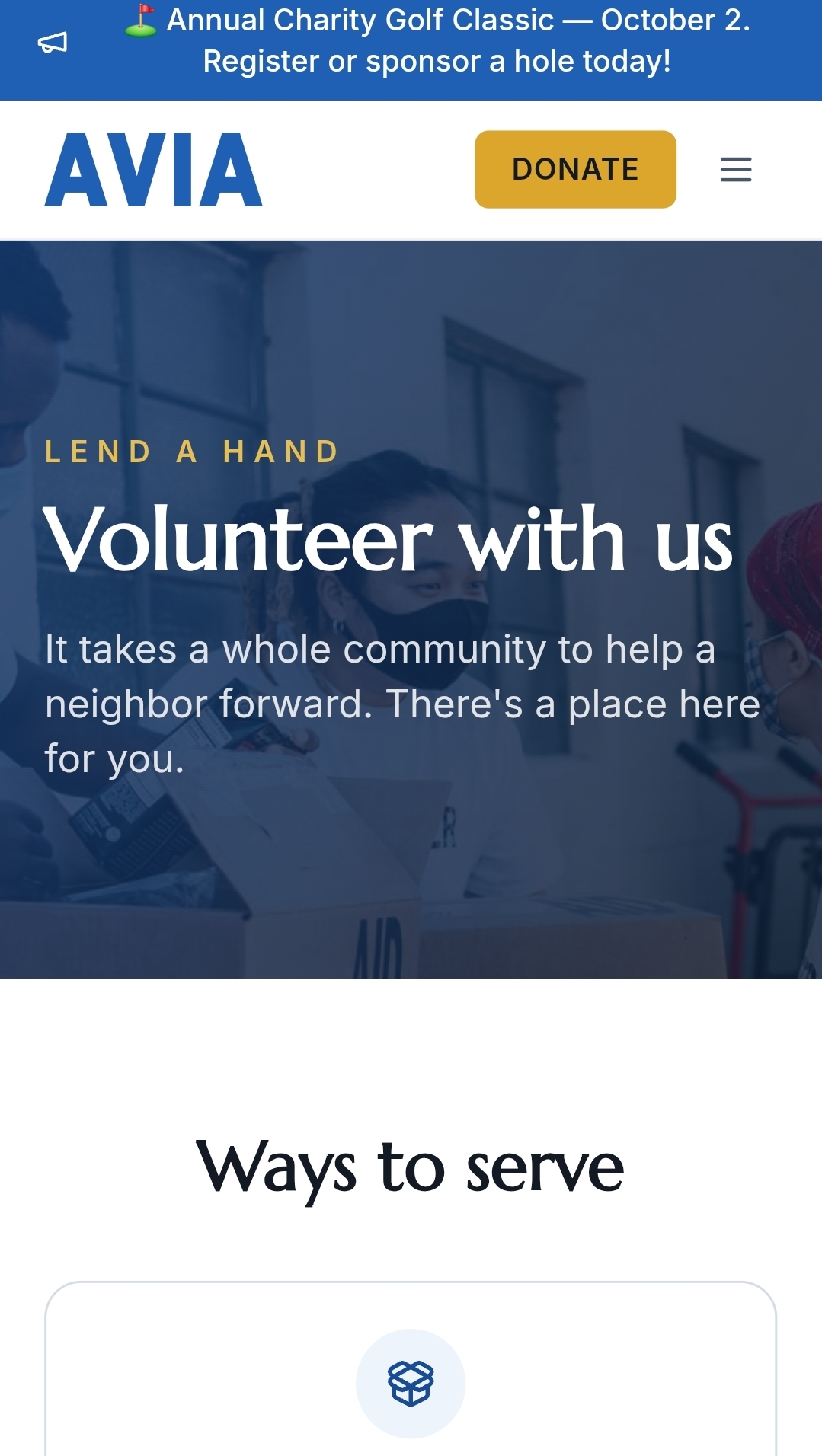
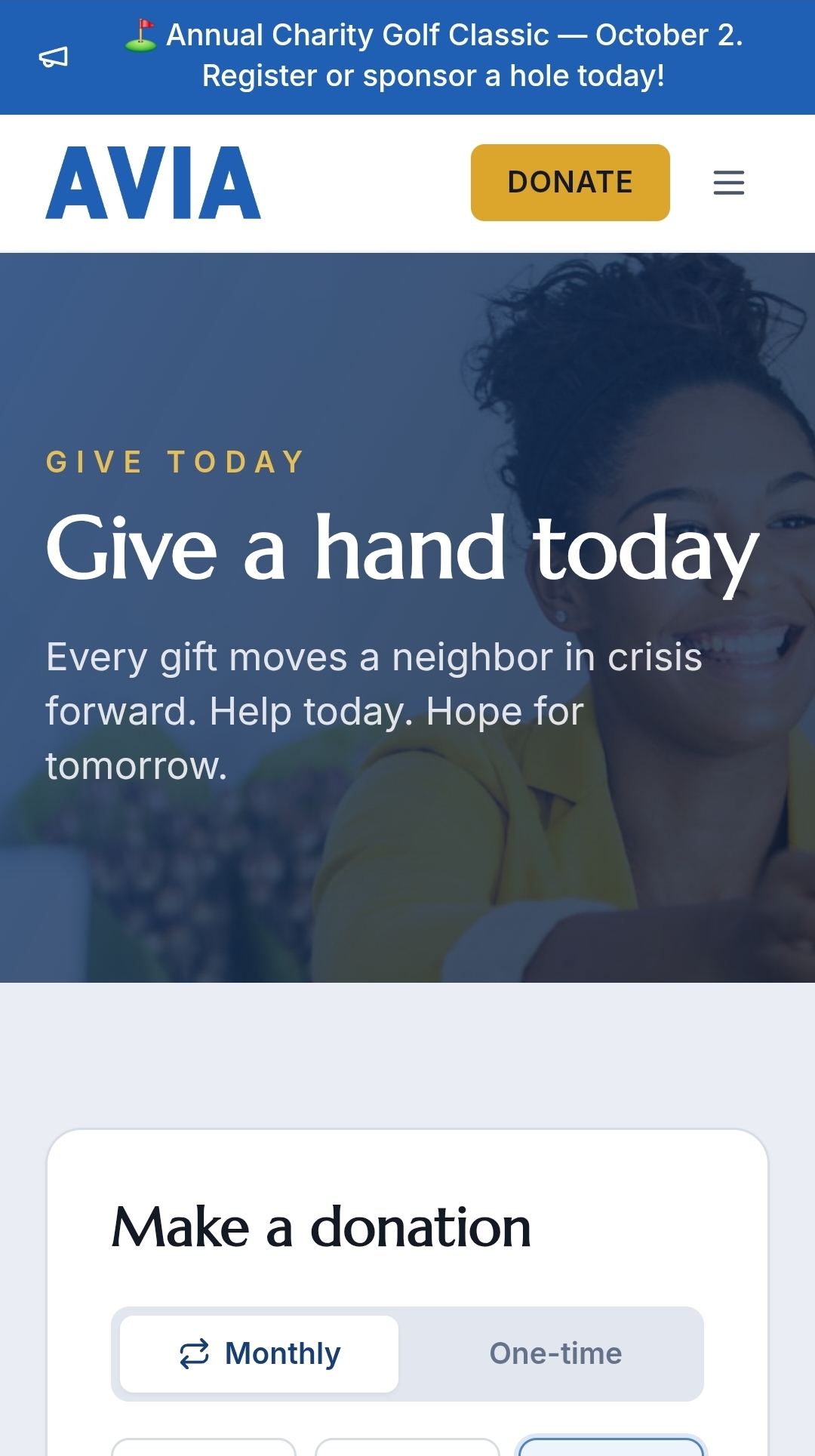
A local nonprofit serving neighbors in crisis runs client intake, case management, short-term housing, a pantry, and referrals on the same system. AVIA also publishes the public website and the donation pages supporters give through.
The People's Side
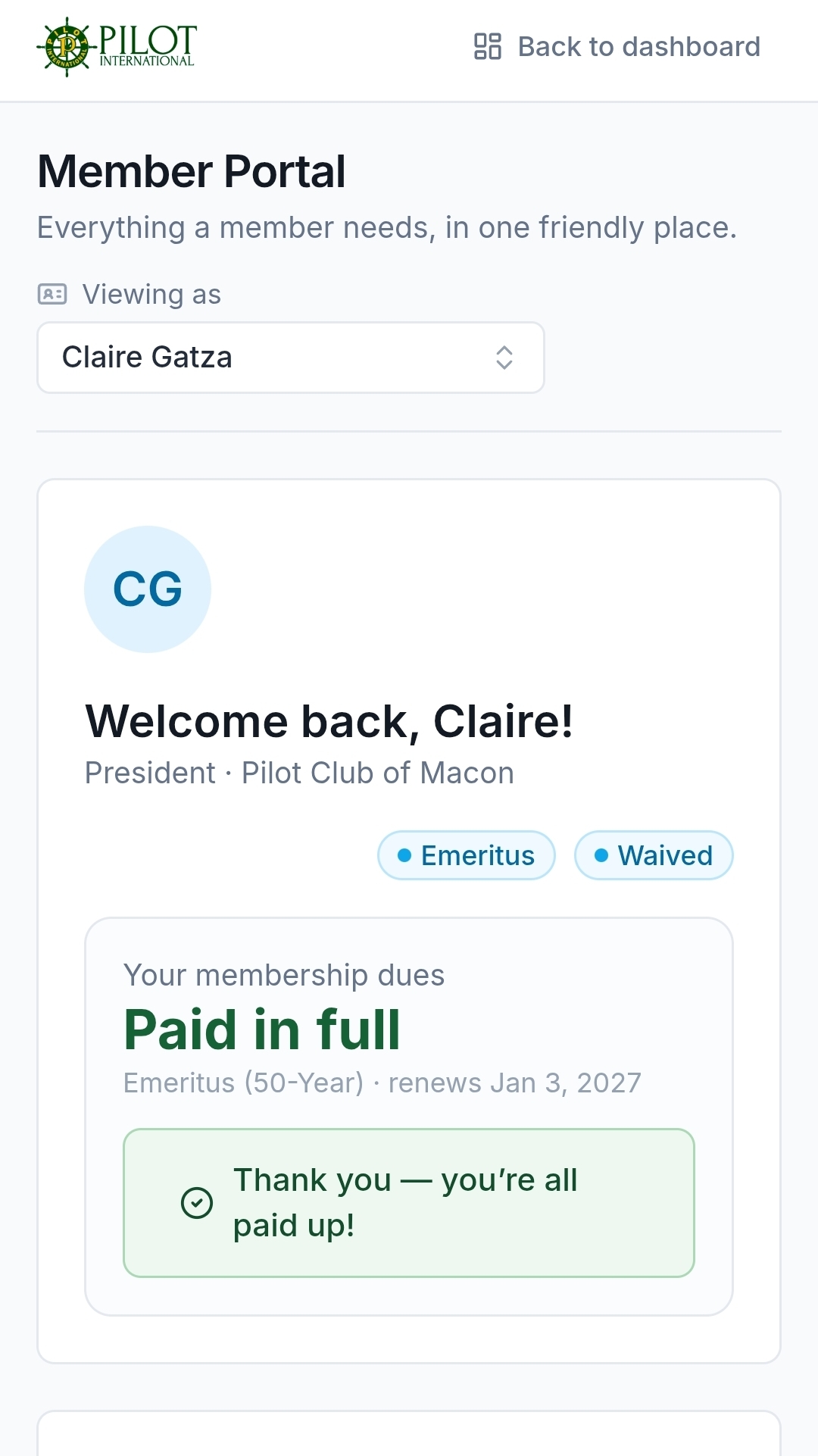
Nobody has to be walked through it. A member opens the page, sees exactly what they came for, pays or signs up or asks a question, and moves on with their day.
Portal
One tap to anything
Dues
Paid and clear
Help
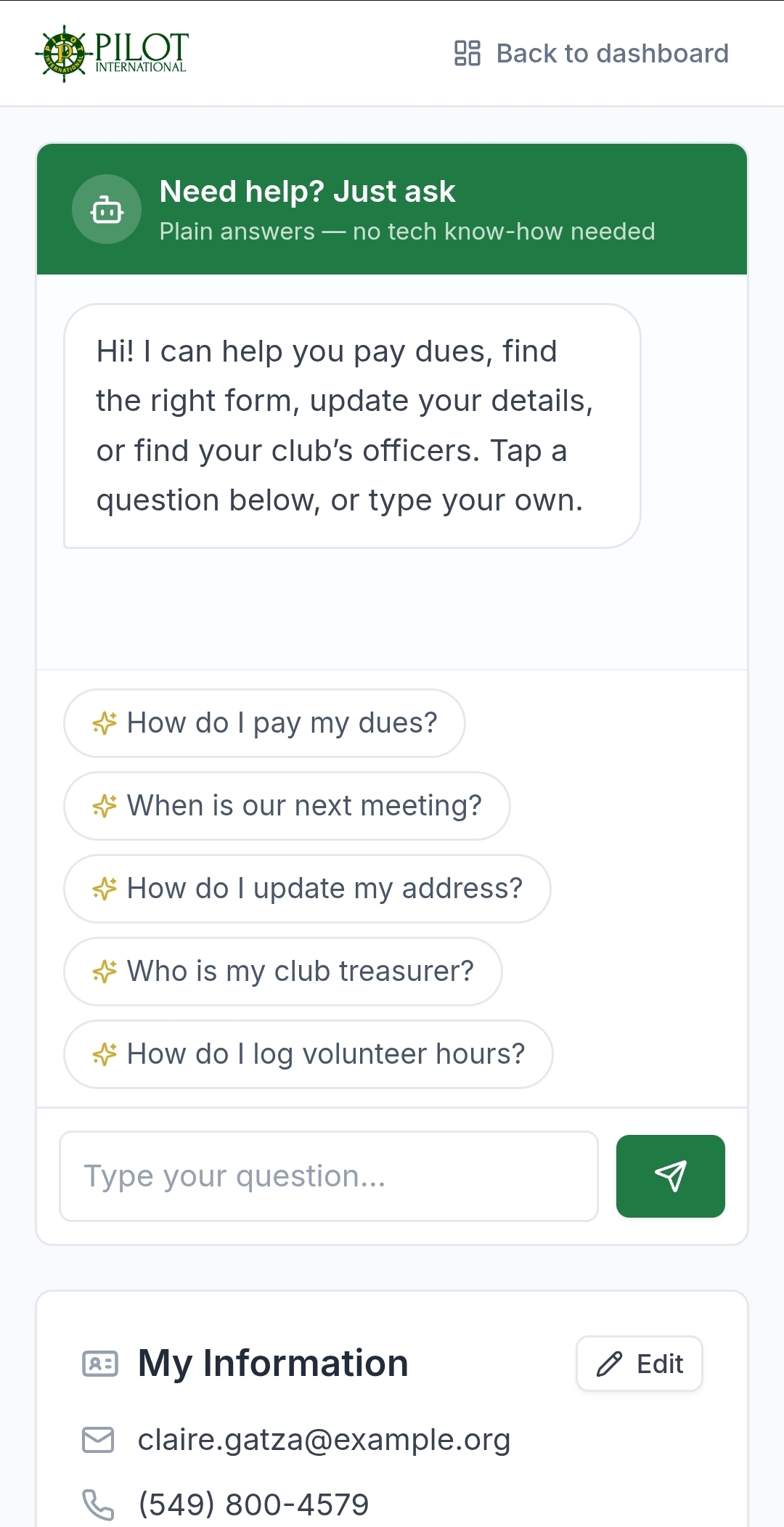
One question away
Public site
Mission page
Volunteering
Volunteer page
Giving
Ways to give
Simple by default
Big labels, plain language, and a confirmation before anything permanent. A non-technical volunteer or staffer can pick it up and use it the first day.
Dense where it counts
The admin tables read like real software, so staff who manage hundreds or thousands of members can see a lot at once.
The right eyes only
Leaders, staff, volunteers, and the people you serve each see only what their role needs.
Built for the handoff
Leadership turns over. The handoff workflow keeps the outgoing record intact and hands the incoming team a system that already holds the year's records.
A built-in guide
A helper on both the admin app and the member portal answers "how do I" and "where is" for nearly every button, and searches your manuals with citations.
In your accounts
The system runs in your organization's own accounts, and we manage it for you. The members, the records, and the deployment are yours.
Who It Is For
Nonprofits of every kind, from a single local nonprofit to a nationwide organization.
Membership associations
Chapters and districts, dues, convention, grants, and annual leadership handoff, rolling up to one headquarters view.
Direct-service nonprofits
Client intake, case management, housing, pantry, referrals, and the public donor site, from one place.
Foundations and service organizations
Grants and scholarships intake, review, and award tracking, with a campaign builder for every drive.
What You Get
The old way and the AVIA way.
The old way
Forms downloaded, printed, filled by hand, and mailed back
Dues and donations on paper charts and countersigned checks
Grant and scholarship applications emailed as PDF attachments
Hundreds of resources scattered across folders and logins
Every chapter and program on a different website
Leadership handoff that resets the records to zero
With AVIA
Digital forms that route straight to headquarters
Dues and donations recorded, reminded, and paid in the portal
Grants and scholarships applied for and reviewed online
One searchable home for people, documents, and history
A public page for every chapter and program, kept in sync
A leadership handoff that carries the year forward
Pricing
Setup
From $99one time
One-time setup. We map your organization, brand AVIA to it, configure tiers, forms, reminders, and roles, import your roster or records, connect accounts, payments, and email, and open the member or client portal.
Small organization
$99 setup, $99 a month
A single local nonprofit or a small association: one roster, one set of forms, one public site.
Large organization
Starting at$499 setup, $199 a month
Chapters, districts, or programs rolling up to one headquarters view, with per-chapter public pages.
Per month
From $99per month
Managed service. Hosting, maintenance, and infrastructure included. Support stays available as your people settle in.
A complete operations system: members or clients, dues or donations, forms, programs, governance, and fundraising
Configured and branded to your organization
Your existing roster or records imported so you start full, not empty
A member or client portal so people pay, update their own info, and self-serve
Dues and donation automation: editable reminder ladder, send throttle, branded emails, activity log
Fillable digital forms that route to headquarters, plus a document library
Grants and scholarships intake, review workflow, and award tracking
Volunteer hours logged by members and rolled up to headquarters
Leadership and staff handoff workflow built for annual turnover
Living, versioned manuals, bylaws, and code of ethics
Campaign builder with shareable public donation pages and a live goal thermometer
Per-chapter and per-district public websites you can edit yourself
A built-in guide on both the admin app and the member portal
Reporting, CSV export, and print on any dataset
Hosting, maintenance, and infrastructure included in the monthly
Each Fabrizio Tech system is licensed for the operation of your own business. Your subscription grants access to your customized instance while active. The platform itself may not be resold, redistributed, or made publicly available in whole or in part.
Setup and Launch
You send us the organization. We do the rest.
01
Discovery
We map your organization: your tiers, dues, or donations, your leadership structure and calendar, the forms and reports you file, and the programs, grants, and services you run.
02
We configure and brand it
Your colors and logo, your member or client tiers, your forms, your reminder ladder, and your roles. Your existing roster or records are imported so day one starts full, not empty.
03
We connect and test
Accounts, payments, and email, and every screen on the admin app and the portal.
04
You launch
We walk your team through the system and open the member or client portal. Support stays available as your people settle in.
Frequently Asked Questions
Nonprofits of every kind: membership associations with chapters and districts, service organizations, foundations, and direct-service nonprofits that manage members or clients, dues or donations, forms, grants, and programs. It fits an association running a convention and a local nonprofit running a pantry.
No. That is the point. Every action is clickable, labeled, and confirmed before anything permanent happens. The member and client portal is deliberately simple, and a built-in guide can explain any button in plain language. It is built for a volunteer or staffer to run, not an IT department.
Yes. Import your roster from a spreadsheet with column mapping and a validation preview, so day one starts with your real members already in place. A template and a fallback group keep messy exports from stalling the import.
AVIA is built around leadership turnover. The handoff workflow keeps the outgoing record intact and hands the incoming team a system that already carries the year, so leadership changes without the data resetting to zero.
When you go live, AVIA runs in your organization's own accounts. The members, the records, and the deployment belong to you. We manage it for you, and that hosting and maintenance is included in the monthly.
Yes. Each chapter, district, or program can edit and publish its own public page, with a live preview and a read-only public link. Events and contacts flow in automatically, so twenty chapters on twenty different website platforms can come home to one consistent place.
The live demo is fully working software with sample data, so you can try every screen before you commit. When you go live, real dues payments, donations, and transactional email are turned on as part of setup, running on managed infrastructure covered by your monthly.
React 18, TypeScript, and Vite, styled with Tailwind and self-hosted fonts. Twenty-eight routes across the admin app, the member portal, and public pages. Twenty-three admin modules covering organization, money, programs, and marketing. Live dashboards and rollups with filter, CSV export, and print on any dataset. Full light and dark themes, verified on desktop and mobile.
Two sizes. A small organization is $99 setup and $99 a month. A large organization, with chapters, districts, or programs rolling up to a headquarters view, is $499 setup and $199 a month. Both are managed, with hosting, maintenance, and infrastructure included.
Ready to run AVIA?
Purchase the subscription and we begin your setup within one business day. Setup and the first month are charged at checkout.